Guides·
Native variants vs. combined listings: what Shopify actually sees
Combined listings apps change what shoppers see. Native variants change what Shopify sees. Compare how each approach affects POS, ERPs, feeds and SEO.
Fixes for the most common issues merchants hit with Merges - failed saves, missing images, wrong variant counts, stock showing zero, metafields not transferring, redirects not firing.
This page covers the issues merchants most often hit during and after a merge, with the specific fix for each. If your issue is not listed, email support@merges.io with the products you were merging and a description of what happened.
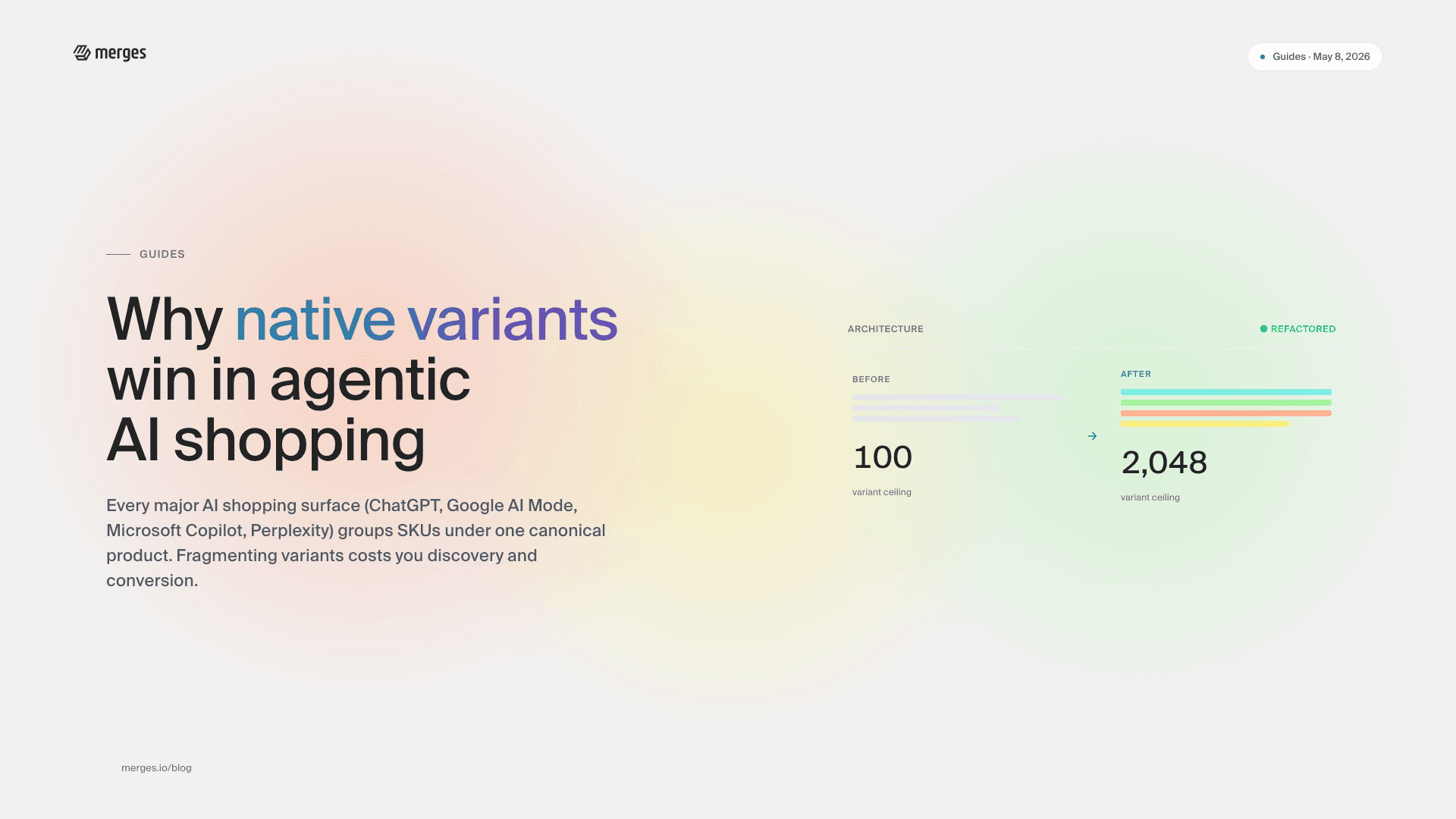
Shopify allows a maximum of 2,048 variants per product. If the products you selected would generate more than 2,048 combinations, the save is blocked.
Fix. Reduce scope. Merge in smaller batches - for example, by season, by size range, or by color family - so each merged product stays under the cap. For guidance on estimating variant counts, see Advanced usage and limitations.
Shopify allows a maximum of 250 images per product. Merges automatically removes pixel-identical duplicates, but if the deduplicated set still exceeds 250 the save is blocked.
Fix. Remove images from the editor before saving. Prioritize lifestyle and hero shots; drop back-angle or color-swatch images that duplicate information already visible in the variant picker.
Large merges (200+ variants, many images, or both) can exceed the save operation’s time budget. The error typically surfaces as a generic message like “Failed to parse error message”.
Fix. Split the merge into smaller batches. If the merge has 200+ combined variants across source products, break it into two or three merges with fewer source products each. If the merge has many large images, remove non-essential ones in the editor before saving. Then retry.
If the error persists below 200 variants, email support@merges.io with the source product URLs.
Stores with 50,000 or more variants are subject to a Shopify platform limit of 1,000 new variants per 24 hours, shared across all apps on the store. If you hit this limit during a large merge session, Shopify rejects further writes until the window resets.
Fix. Pause merging for 24 hours. When you resume, pace your merges so you stay under 1,000 new variants per day. Stores under 50,000 variants are not subject to this limit.
Shopify permits a maximum of 3 options per product. When the source products collectively have more than 3 options, Merges combines them - for example, Color / Size becomes a single compound option.
Fix. Review the option structure in the editor before saving. If the combination does not make sense for your catalog, split the merge into two products that each stay within 3 independent options. See Combining products with up to 6 options.
Two common causes:
Third-party fulfillment has not reassigned yet. If a dropshipper or fulfillment app was managing stock for the source products, the new variant IDs need to be reassigned on their side. This is normal for the first few minutes to a few hours after a merge. See Managing inventory after product merging for provider-specific steps.
Source products were out of stock or inactive at merge time. Merges reads Shopify’s inventory levels at the moment of merge. If a source product was Draft or had zero stock, the merged variants inherit that. Check the source products (now archived) and manually update inventory on the merged variants.
If stock still reads zero after an hour and you use Printful for fulfillment:
Archived in your Shopify admin, not Draft or deleted.If all three are correct and stock is still zero after an hour, email support@merges.io with the merged product URL.
The AI proposal is a starting point, not a final copy. A few options:
All three options work in any combination. There is no penalty for editing.
Merges transfers metafields that have a definition configured in Settings -> Metafields and metaobjects in your Shopify admin. Legacy unstructured metafields - values stored without a matching definition - cannot be reliably transferred because Shopify no longer exposes them to apps in a stable way.
Fix. Go to Settings -> Metafields and metaobjects in Shopify. Define the metafield (namespace, key, type, validation). Once defined, Shopify will recognize it on existing products, and future merges will carry it across.
If the metafield was already defined when you merged and it still did not transfer, email support with the merged product URL and the metafield namespace/key.
If your review app stores reviews in Shopify metafields, reviews transfer automatically. The exception is Judge.me.
Judge.me. Judge.me no longer allows third-party apps to transfer reviews between products via its API. Use Judge.me’s Product Groups feature to link the merged product to the archived source products so reviews surface on the merged product page. A native Merges integration for Product Groups is planned. Full guide: Keeping Judge.me reviews on merged products.
Other review apps. Open the app’s admin and confirm reviews are stored in Shopify metafields (not in the app’s own database). If they are stored externally, contact the app’s support to move reviews to the new product ID.
Automatic 301 redirects from old product URLs to the merged product are available on the PRO and UNLIMITED plans.
On BASIC. Redirects are not created automatically. You can add them manually in Online Store → Navigation → URL redirects in your Shopify admin.
On PRO or UNLIMITED. Confirm the redirects were created in Online Store → Navigation → URL redirects. If they are missing, email support with the merged product URL.
If the merged product saves cleanly but the storefront variant picker is broken, the issue is usually theme-level.
Fix. Open the product page on your live storefront. If variant selection, image switching, or add-to-cart stalls, the theme may be using a legacy variant API that struggles with large variant sets. This is most common on older or heavily customized themes. Consult your theme developer. See Theme compatibility for large variant counts.
If the merged product and the original products are both visible, the originals were not archived correctly.
Fix. Open each source product in the Shopify admin and confirm status is Archived. If any are still Active or Draft, archive them. Storefront and search indexes usually refresh within an hour.
If duplicates appeared because a third-party app reimported the originals from a supplier catalog, pause that supplier’s automatic product sync and delete the reimported duplicates.
The merge redirects to the Shopify admin’s product detail page for the new product. If you closed the tab before the redirect:
Fix. Open the Shopify admin Products list. The merged product is the most recent product created, with a title that matches the AI-generated or edited title from the editor.
If the product is not there and you did see a success screen, check Products -> Archived - on rare occasions a merge can be created as Archived if the source products were all Archived at merge time.
Large merges (many source products, hundreds of variants, many images) can take a moment to render in the editor.
Fix. Wait 10-20 seconds before clicking again. If the editor is still unresponsive, reload the page - the source products remain selected in Shopify admin, so you can re-initiate the merge. If the issue repeats, split the merge into smaller batches.
Email support@merges.io with:
Most issues have a clear fix once we see the specific products.