Changelog

New features, updates and improvements to the Merges software

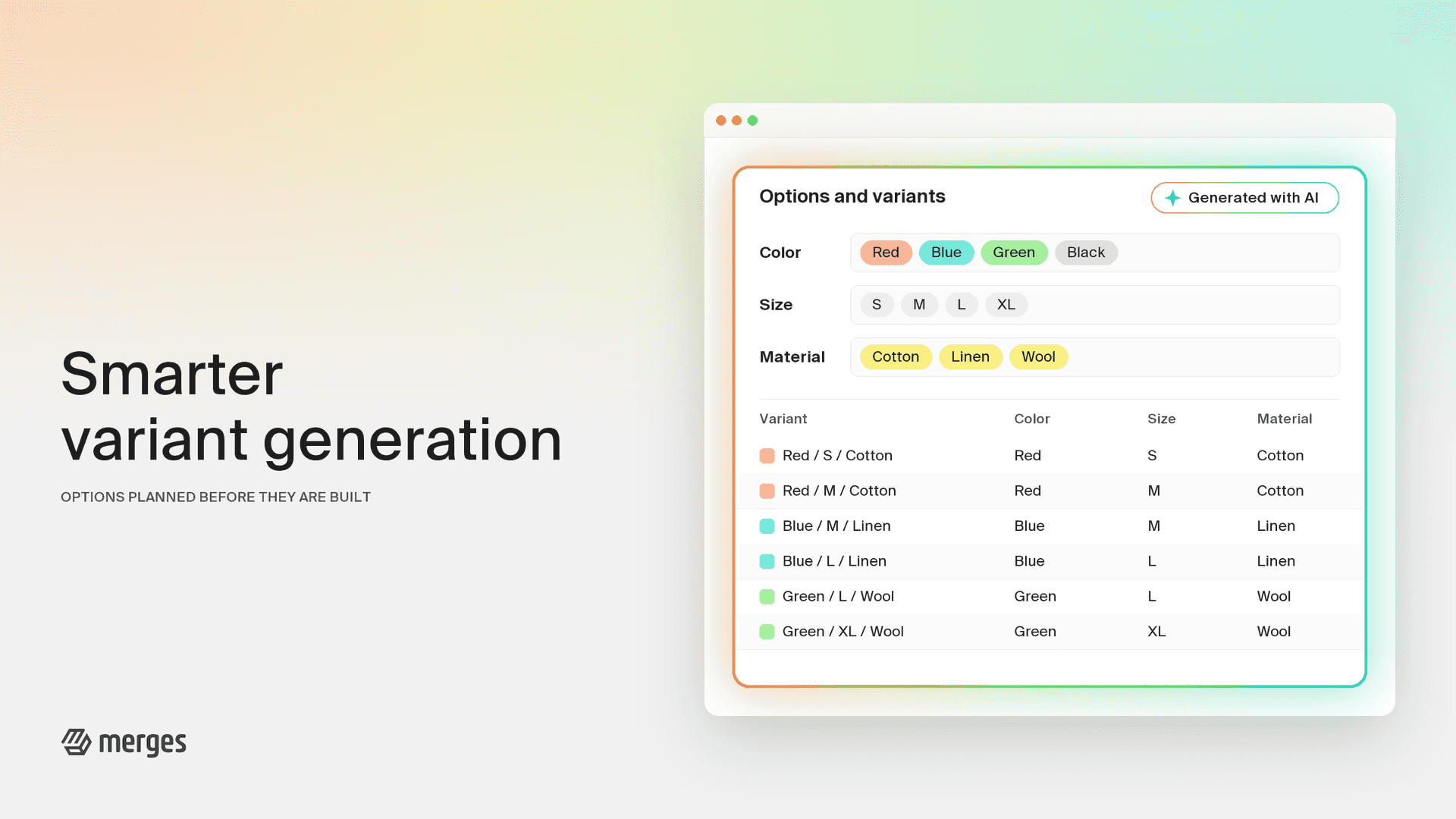
Smarter Option and Variant Generation

Smarter Option and Variant Generation

Merges works out which options a merged product needs and how every source variant maps onto them. We have rebuilt that step from the ground up. Instead of filling options product by product, Merges now looks at the whole selection first, decides on one consistent option structure, and only then assigns values. The result is fewer surprises in the editor, especially on large merges and on products that already use three options.

What’s new:

  • Nothing gets dropped: When your source products already use three options, Merges no longer removes an option to make room. Every option that matters to shoppers is kept, and values are combined sensibly where it has to.
  • Consistent names and values across the whole merge: Option names follow Shopify’s standard product taxonomy where one applies, and values are written the same way on every variant, so “Size” is not “Größe” on one product and “size” on the next.
  • Your language, your instructions: Option names and values stay in your shop’s language, including German, French, Spanish, Italian, Portuguese, Japanese and Russian spellings. Custom option instructions, preferred option names and allowed option names are now enforced, not just suggested.
  • Clearer feedback in the editor: The banner above the variant table now tells you what Merges actually decided, for example which options were combined or which values were renamed, and only shows warnings you can act on. The help section matches the situation instead of showing generic advice.
  • Faster on big merges: Large merges are processed in parallel batches, and the progress indicator shows which stage is running.

Under the hood, every generated result is checked against Shopify’s limits before it reaches you, and anything that does not pass is repaired automatically.

The new generation is already live for everyone and runs on every merge you start. Nothing to configure.

Ask Sidekick About Your Merged Products

Ask Sidekick About Your Merged Products

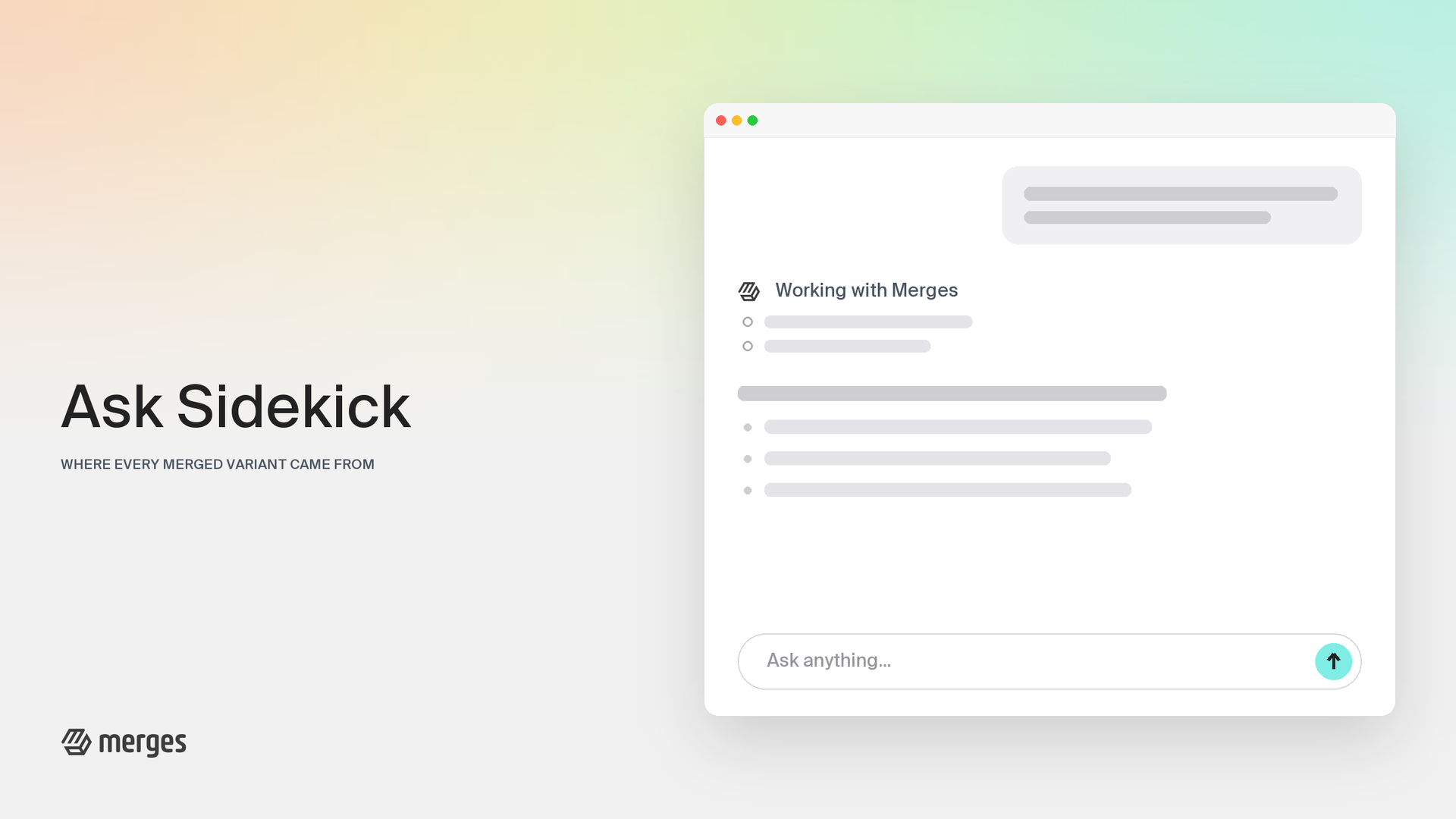
When you merge products, Shopify archives the originals, and from that moment the connection between a merged variant and the product it came from lives in Merges. Sidekick, Shopify’s AI assistant, could not see that connection. Now it can. Merges answers Sidekick’s questions about your merged catalog directly, so you can ask in plain language and get correct answers, whether you’re on the Shopify home screen, the product list, or inside Merges itself.

What’s new:

  • Trace any variant to its origin: Ask “which products did this merged product come from?” and Sidekick lists the original product behind each variant, including cases where an original has since been deleted.
  • Follow a SKU through a merge: “Where did SKU LIN-BLU-M end up?” returns the merged product and variant carrying it today, plus the product it was taken from.
  • Check inventory sync in conversation: “Is my inventory sync working?” gets a store-wide summary by state, and any failing variants come back with the location and the reason in plain language. If sync is off for your store, Sidekick says so instead of guessing.
  • Spot products worth combining: Ask about duplicates matching a search, and Sidekick shows groups that share a vendor, type, and similar title, with a link that opens the merge editor with those products already selected.

Sidekick answers with your store’s real Merges data, and nothing changes without you: suggestions link into the merge editor, where every merge still needs your explicit save.

This works automatically with the latest app version, with nothing to configure. The first time you ask, Sidekick requests your permission to use Merges data, once.

Mirror Original Products: Live Inventory and Pricing for Merged Listings

Mirror Original Products: Live Inventory and Pricing for Merged Listings

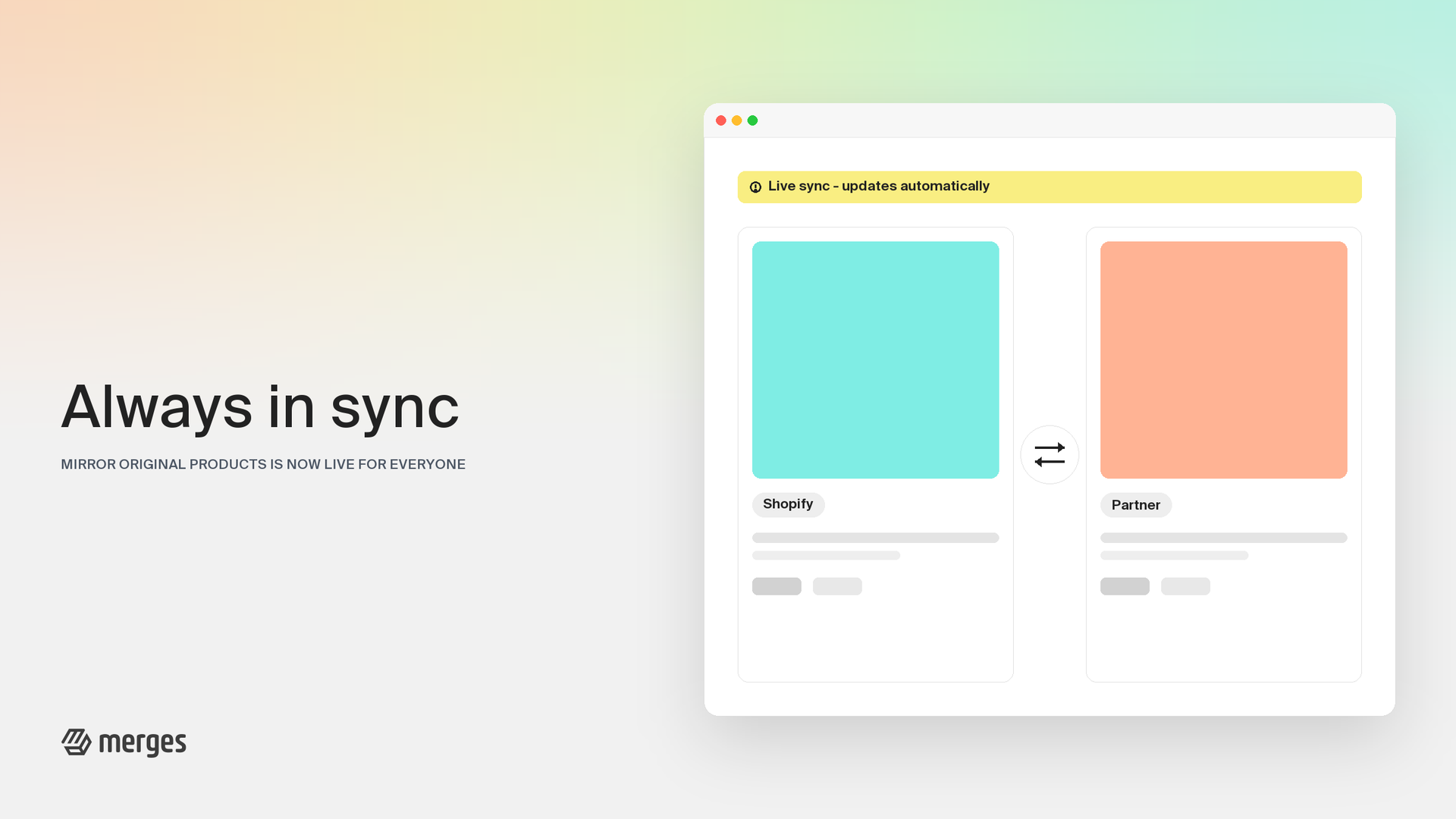
Until now, a merged product was a snapshot: accurate on the day you merged, drifting a little more every day after. Mirror original products closes that gap. Your merged listings can now follow their source products automatically, so what customers see is what your warehouse actually holds.

Who is this for? Mirroring is needed only when a third party service still manages stock or pricing through your original products, such as a print-on-demand service, a dropshipping supplier, a warehouse, or an ERP that cannot be switched over to the merged products and cannot match them by SKU. If you manage stock yourself in Shopify, you can leave it off.

What’s new:

  • Live inventory mirroring: When stock moves on an original product, the merged listing follows within moments. Units already committed to open orders are counted correctly, so a busy day cannot oversell a merged product.
  • Prices and details stay current: Price, compare-at price, SKU and barcode mirror from the original, each with its own toggle per location. End a sale on the original and the strikethrough disappears from the merged product too.
  • You choose what feeds the sync: Pick the locations that matter, with one sync location on BASIC, three on PRO and six on UNLIMITED, covering up to 6,000 synced variants on BASIC, 18,000 on PRO and unlimited on UNLIMITED.
  • Fair warning before limits: When you approach your plan’s variant allowance you’ll see a heads-up naming what happens next, well before anything stops syncing.

Mirror original products is available on every paid plan. If a third party service manages stock through your original products, turn it on under Settings and pick your locations.

Route Orders to Originals: New Orders Carry Your Original Products

Route Orders to Originals: New Orders Carry Your Original Products

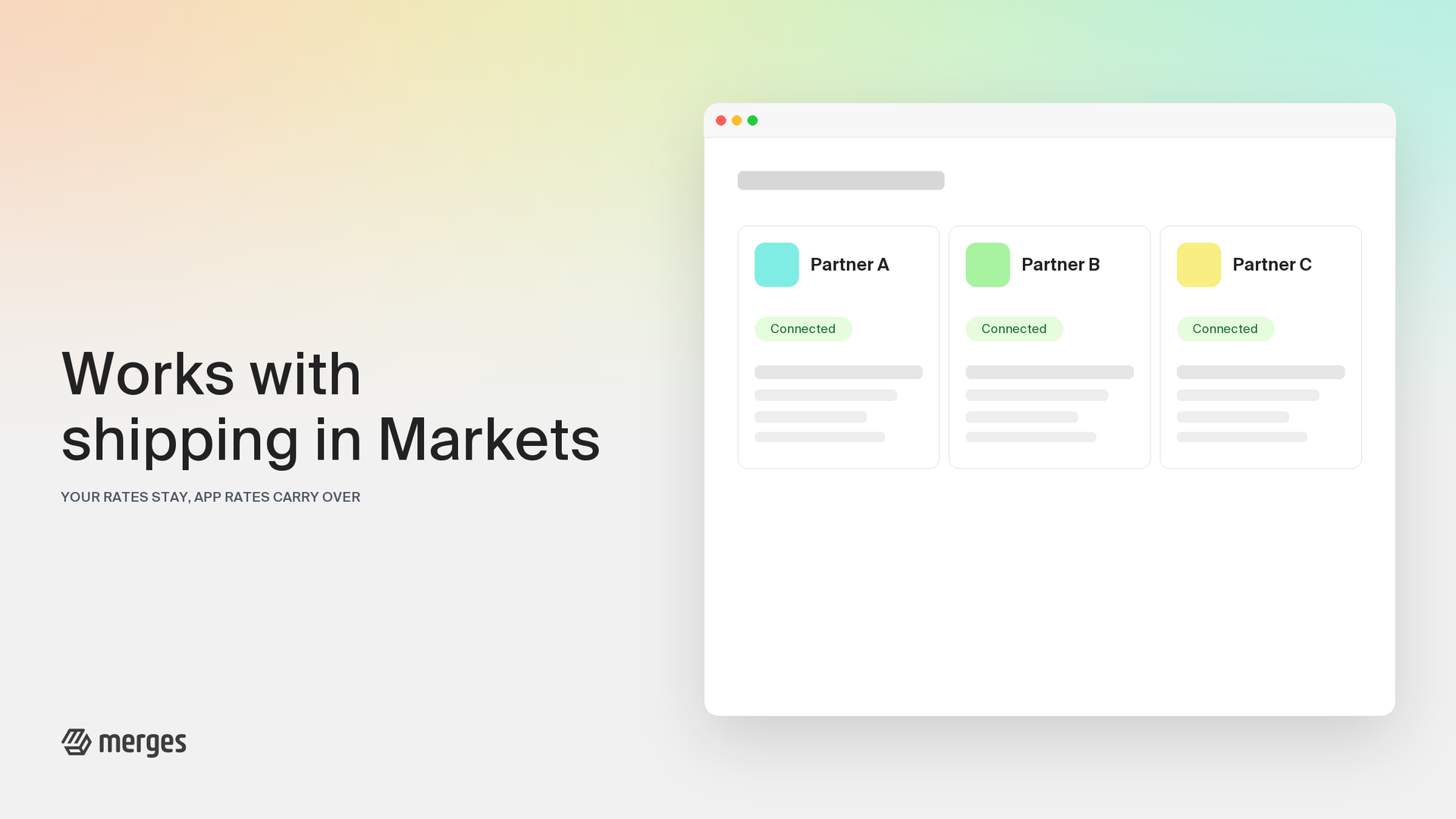
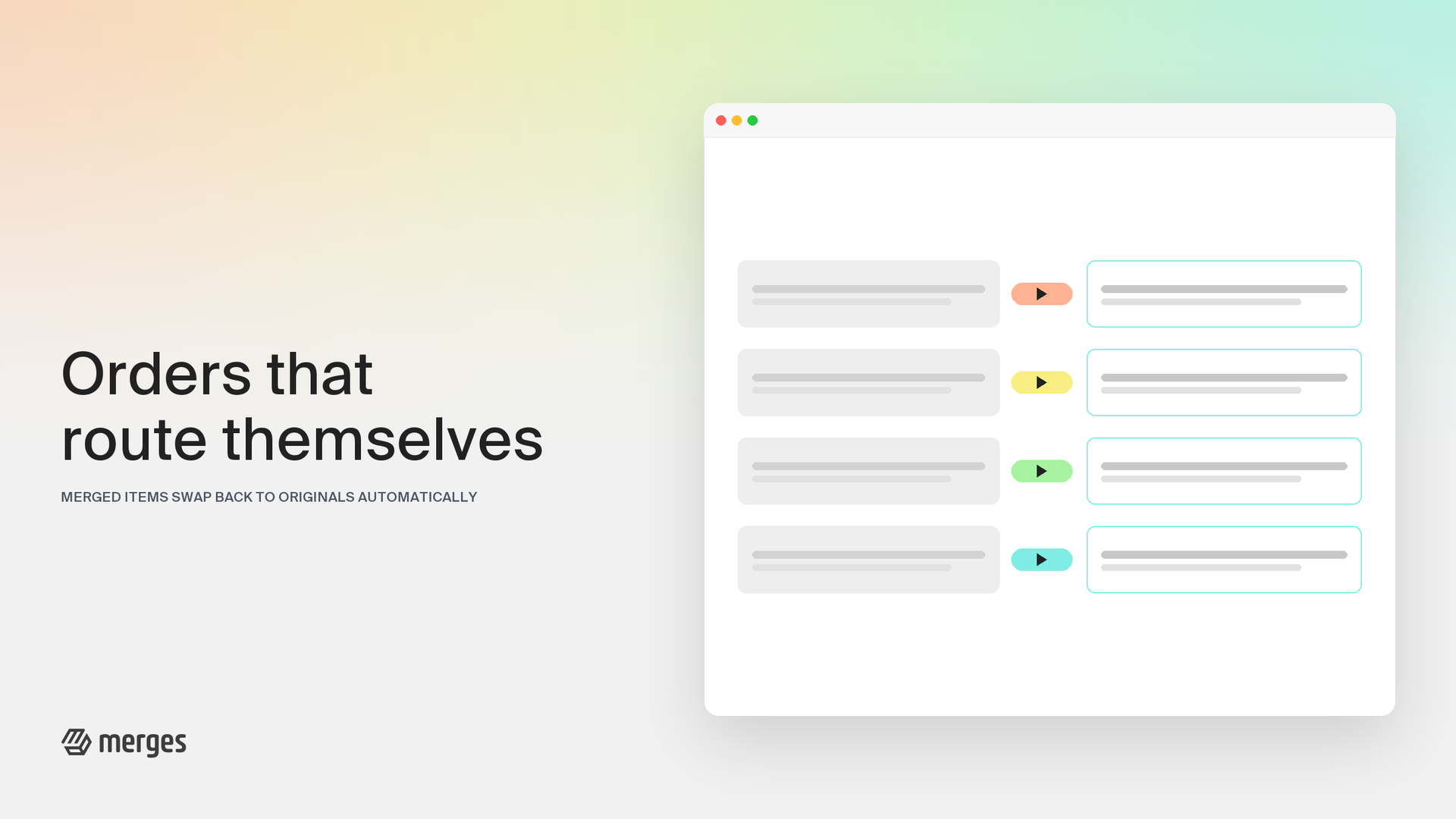
Merged products are great for your storefront and tricky for fulfillment: print-on-demand and dropshipping partners only recognize the original variants they were set up with. Route orders to originals resolves that the moment an order arrives. New orders containing merged products are edited automatically so the original variants are on the order, and your existing fulfillment setup just works.

Who is this for? Routing is needed only when a third party service handles fulfillment through your original products, such as a print-on-demand service, a dropshipper, a warehouse, or an ERP that cannot be switched over to the merged products and cannot match them by SKU. If your service finds products by SKU, or you fulfill orders yourself, you can leave it off.

What’s new:

  • Automatic swapping on new orders: The moment an order comes in, merged items are replaced with their originals, so your fulfillment partner sees exactly the product it expects.
  • The total never moves: Every swap is checked to keep the order total identical before it is applied, including orders with discount codes. Your customer pays what they saw at checkout, always.
  • Inventory stays honest: When a merged item is swapped out, its stock is restored automatically, so merged listings don’t slowly drift out of stock from orders they no longer carry.
  • Nothing fails silently: If an order can’t be routed, for example while a bank transfer is still pending, you’ll see a notice in your settings naming the affected orders, and you can swap them from the order page with one click once they’re ready.

Route orders to originals is available on every paid plan. If your fulfillment service needs the original variants, turn it on under Settings and grant the order permission once.

Credit Rollover Extended: Bank Up to 6x Your Monthly Credits

Credit Rollover Extended: Bank Up to 6x Your Monthly Credits

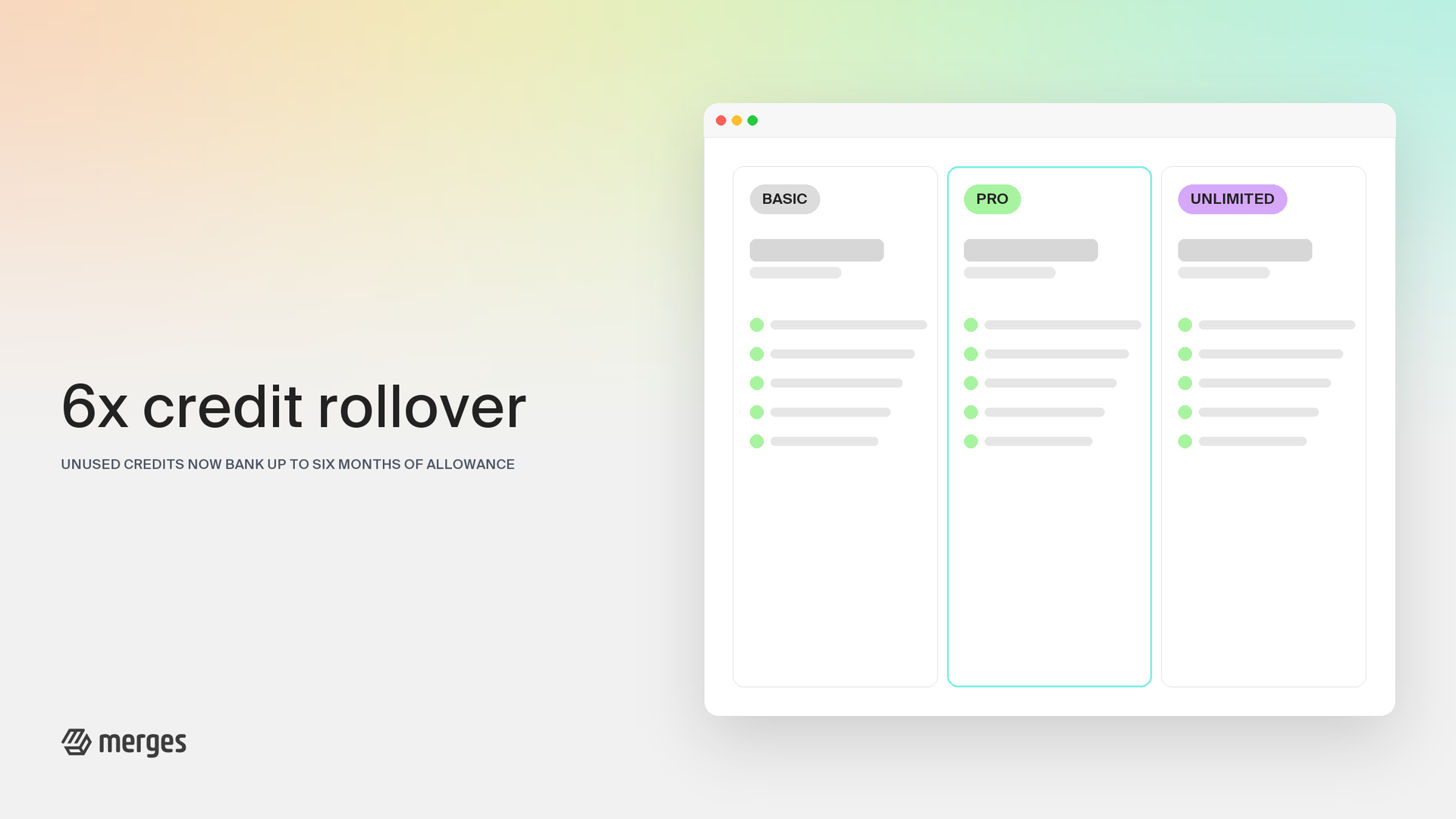
Your unused merge credits now go much further. Credit rollover has been extended from 2x to 6x your monthly allowance, and every paid billing cycle now adds its credits to your balance, even the months you don’t open the app.

What’s new:

  • A 6x rollover cap: Unused credits accumulate up to 6x your plan’s monthly credits. BASIC (500 per month) banks up to 3,000, and PRO (3,000 per month) banks up to 18,000.
  • Credits for every paid month: Step away for a season and each billing cycle’s credits are still added to your balance, up to the cap. This also covers past months, so if you’re returning from a break, your balance may already have grown.
  • Downgrades keep your banked credits: Switch to a smaller plan and your accumulated credits come along, capped at the new plan’s 6x limit.
  • Built for seasonal stores: Keep your subscription through the off-season and your credits wait for you. Six unused months on BASIC banks the full 3,000.

Good to know: banked credits stay with you for as long as your subscription is active; cancelling forfeits the remaining balance. Trial credits are one-time and don’t roll over, and the UNLIMITED plan doesn’t count credits at all.

The new rollover policy is already live for all BASIC and PRO subscribers. There’s nothing to configure: your balance updates automatically the next time you use Merges.

A Refreshed Interface, Built to Shopify's Latest Standards

A Refreshed Interface, Built to Shopify's Latest Standards

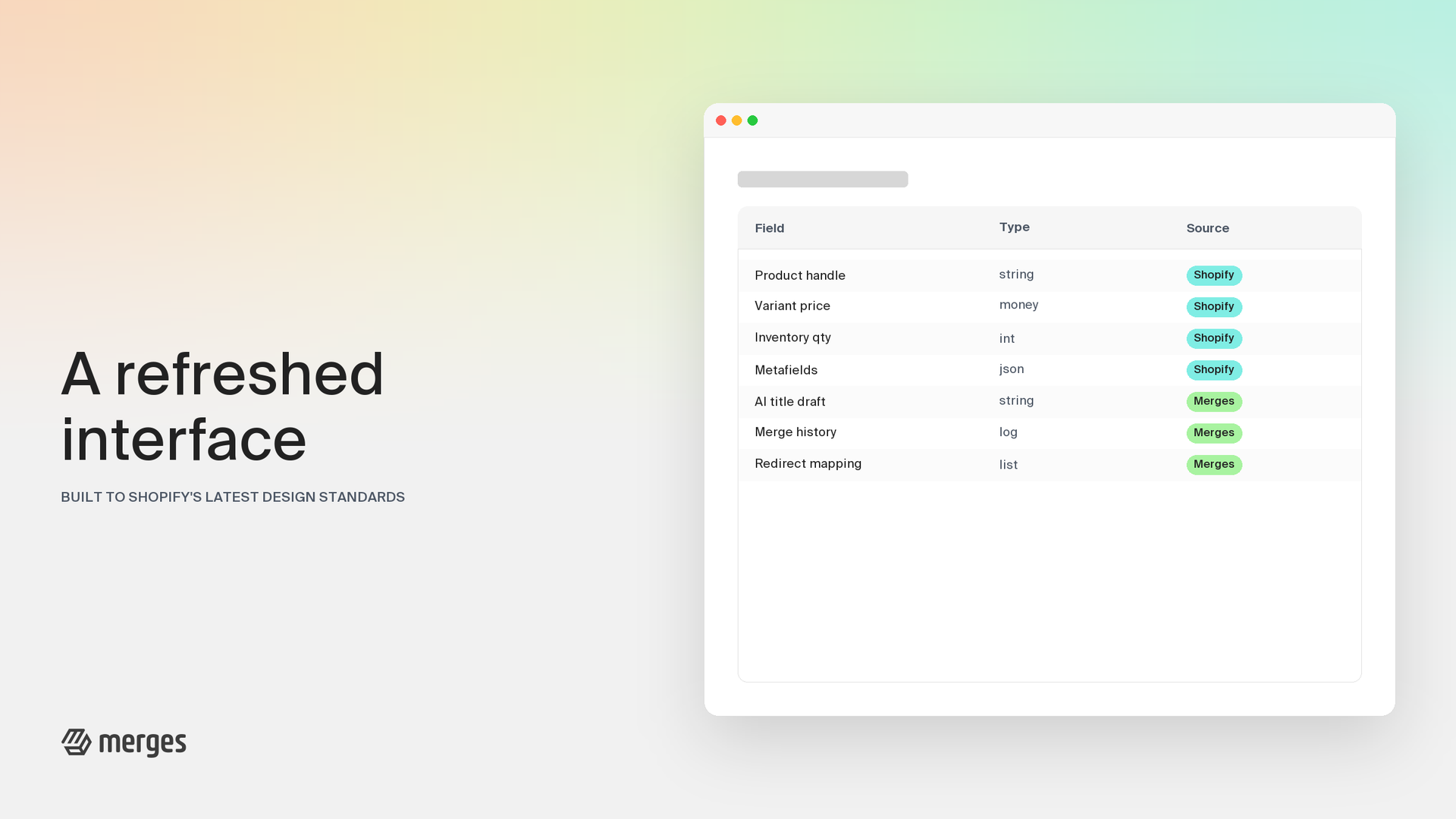
Merges has been refreshed from top to bottom to follow Shopify’s latest design standards. Every page now looks and feels like a native part of your Shopify admin, so nothing gets between you and your next merge.

What’s new:

  • Native look and feel: Pages, navigation, and actions now match the rest of your admin, right down to spacing and typography.
  • Cleaner product and variant tables: The product picker, merge selection, and variant lists follow the admin’s familiar table layout, and they now work smoothly inside dialogs too.
  • Faster first loads: Pages show a lightweight preview while your data loads, so you always see structure instead of a blank screen.
  • Better readability: Improved color contrast on badges, links, and icons makes the app easier to read for everyone.

Under the hood, the interface now runs on the same building blocks Shopify uses for the admin itself, which keeps Merges fast and consistent as Shopify evolves.

The refreshed interface is already live for everyone. Open Merges and everything works the way you expect, right where you expect it.

Find Products Faster: Bulk SKU Lookup & Smarter Filters

Find Products Faster: Bulk SKU Lookup & Smarter Filters

Selecting the products for a merge is the first step of every workflow in Merges — so we made it dramatically faster.

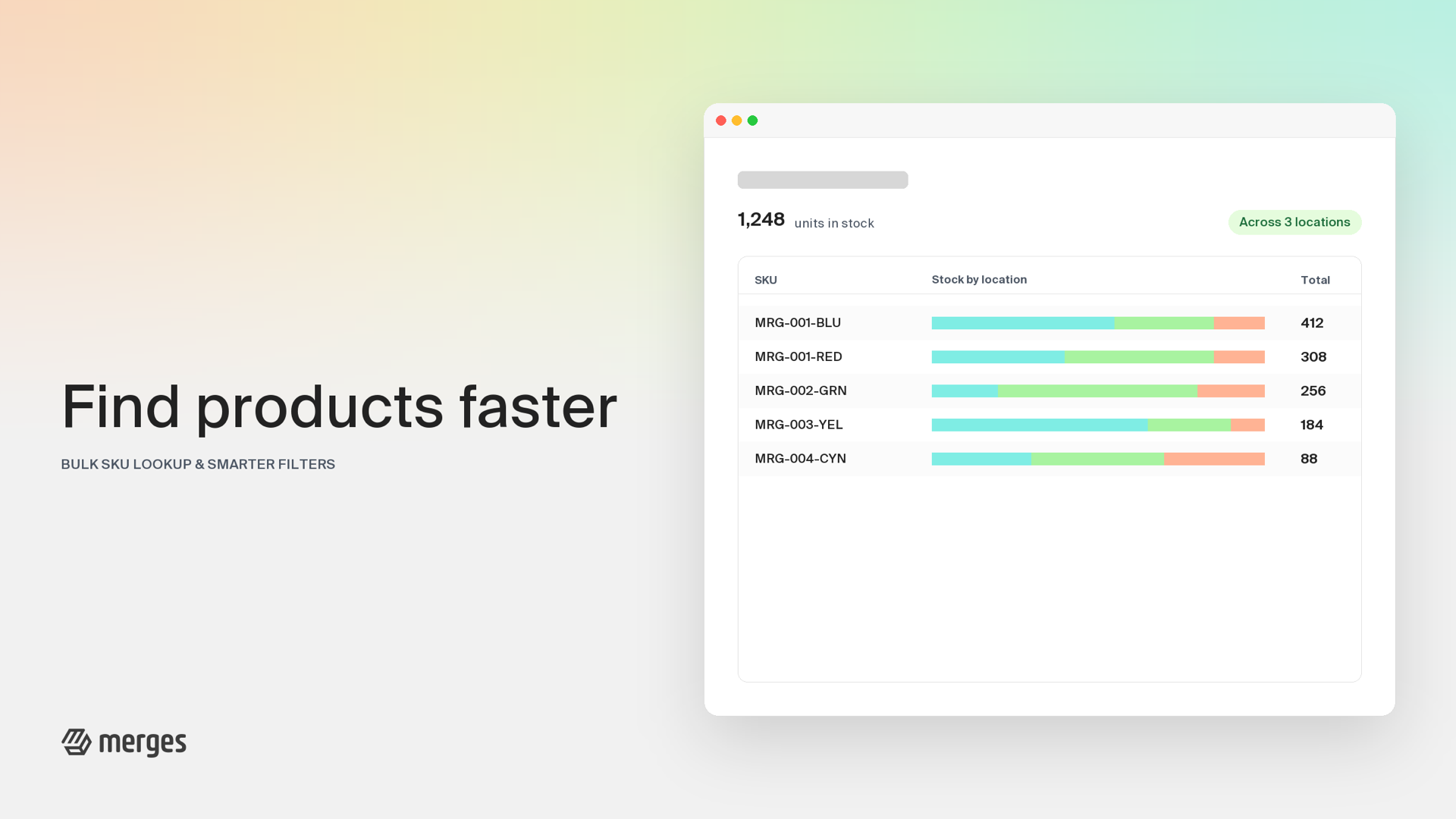
Bulk SKU lookup. You can now paste an entire list of SKUs straight into the product picker. Merges resolves them to the matching products instantly as you paste — no pressing Enter, no searching one by one. If a SKU can’t be found, a clear banner tells you exactly which ones, so nothing slips through unnoticed.

A smarter filter bar. We replaced the old filters with a faster, redesigned filter bar:

  • Vendor and product type autocomplete: Start typing and matching values from your store appear immediately — no more scrolling through long lists.
  • Cleaner sorting: A reorganized sort panel puts the field and direction side by side, one tap away.
  • Snappier interactions: Dropdowns are lighter and quicker, with one panel open at a time so the picker always stays readable.

Together with bulk SKU lookup, narrowing down even a catalog with thousands of products now takes seconds.

Both improvements are live for all plans — just open the product picker and try them.

Variant Editor 2.0: Rebuilt from the Ground Up

Variant Editor 2.0: Rebuilt from the Ground Up

The variant editor is where you review and fine-tune options and variants before a merge goes live. It’s one of the most used screens in Merges — and it just got a complete rebuild.

What’s new in 2.0:

  • A cleaner layout: Options and their values are now organized in a clearer, more scannable structure, so you can see the whole shape of a merged product at a glance.
  • Faster selection: Selecting and editing variants is noticeably snappier, even on products approaching the 2,048-variant limit.
  • Smarter color detection: The editor now recognizes color codes and shade names far more reliably, so color options are grouped and rendered correctly from the start.
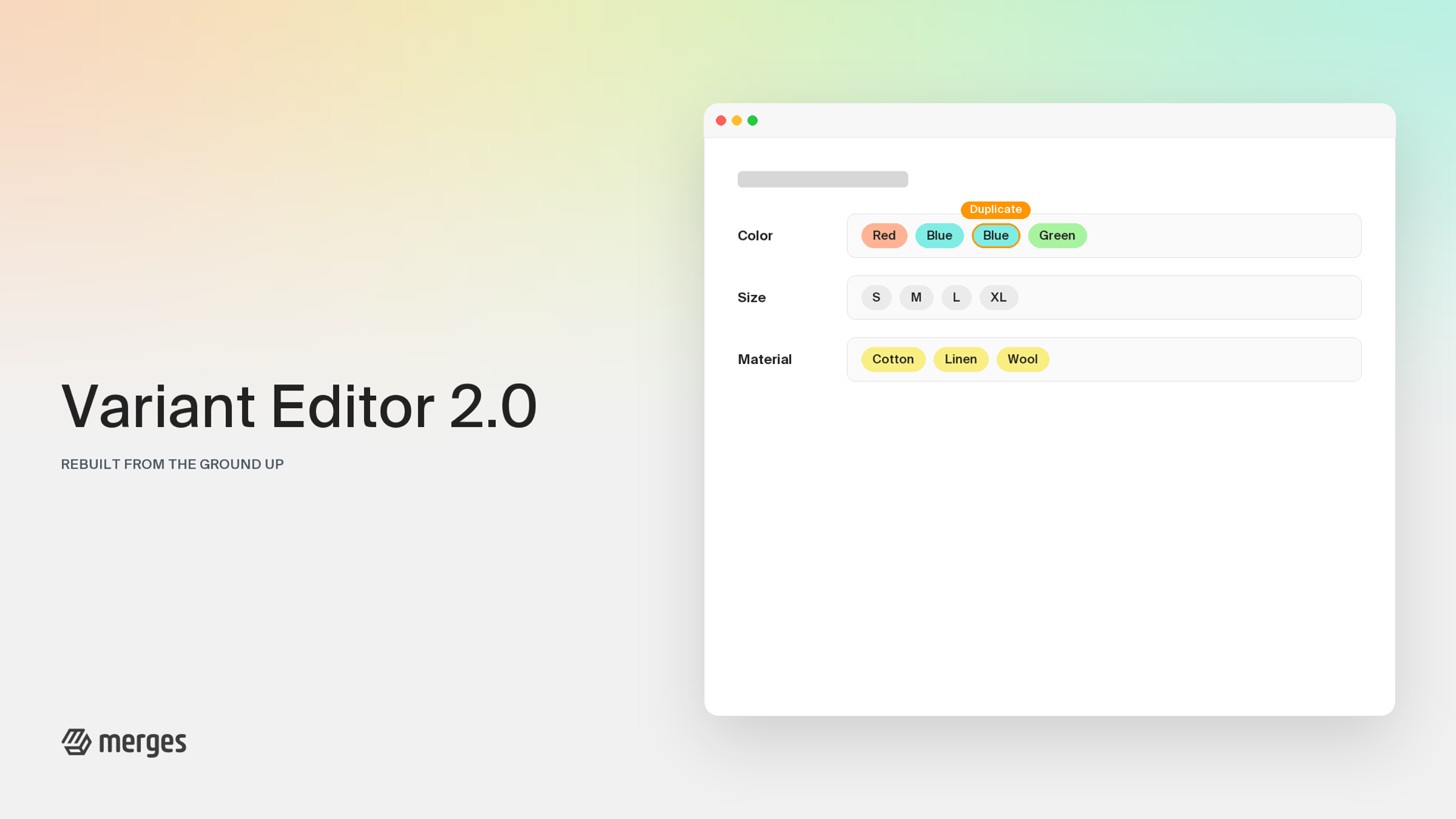
  • Clearer duplicate indicators: Duplicate option values are flagged directly on the affected values, making conflicts obvious before they cause trouble.

Under the hood, the editor was rebuilt on a modern component architecture, which also means faster rendering and a more stable experience across browsers.

Variant Editor 2.0 is already live for everyone — you’ll see it the next time you prepare a merge. No configuration required.

AI Engine 2.0: Intelligent Option Generation with Taxonomy Signals

AI Engine 2.0: Intelligent Option Generation with Taxonomy Signals

We are deploying a major upgrade to the Merges Option Variant AI Engine.

Previously, when merging products with missing or inconsistent option values, our system relied heavily on existing text within your store. While effective, this sometimes left gaps when the data simply wasn’t there.

What’s New? We have integrated Industry Taxonomy Data into our core processing pipeline.

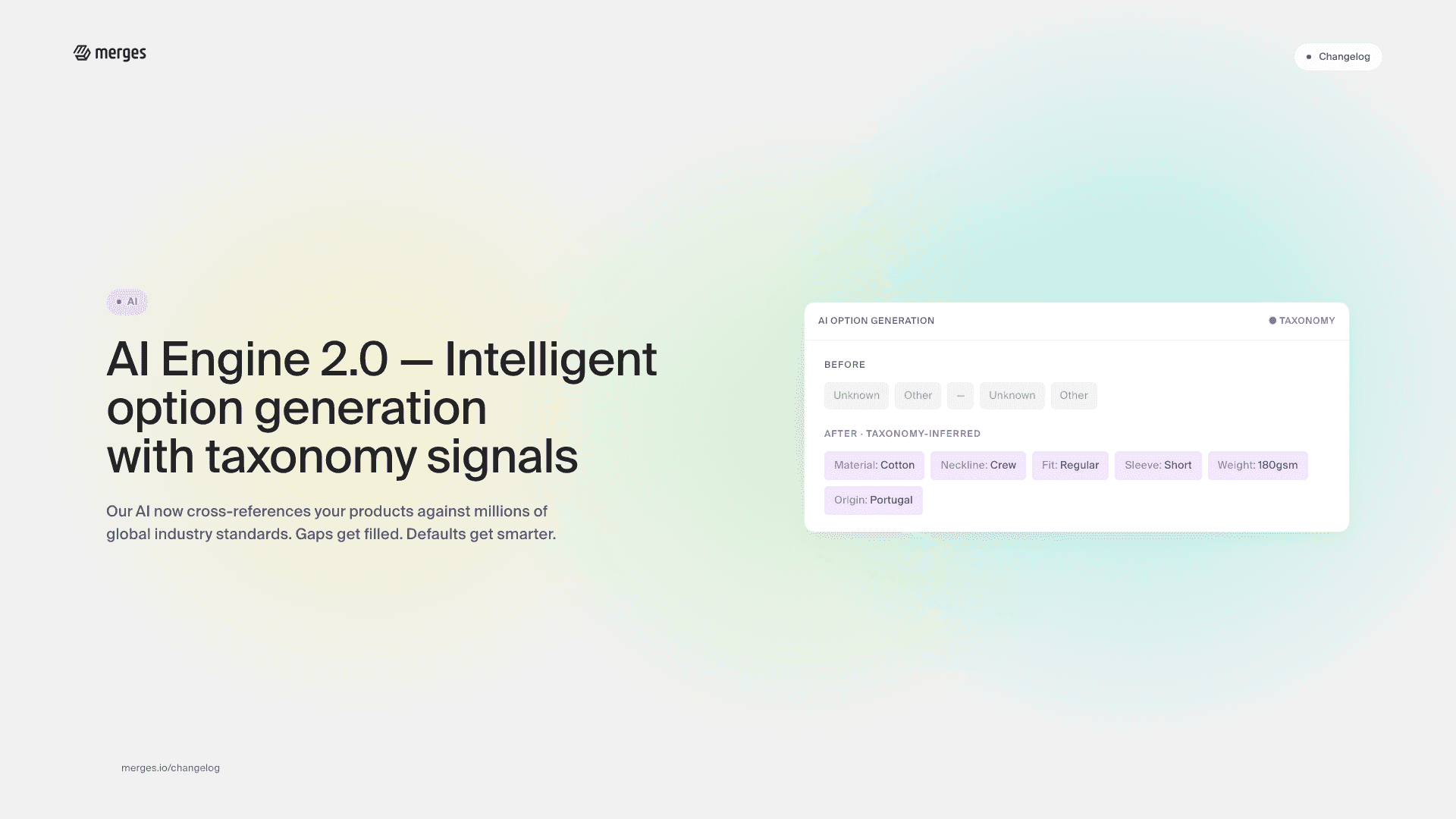
The AI now cross-references your products against millions of global industry standards and category taxonomies. If a variant option doesn’t exist or is ambiguous, our engine uses these new signals to intelligently predict and generate the best standard option for you.

Key Improvements:

  • Gap Filling: Automatically suggests standardized values (e.g., “Cotton” for Material, “Crew Neck” for Neckline) based on product category signals, even if not explicitly stated in the variant title.
  • Taxonomy Alignment: Merged products now adhere closer to standard industry categorizations, improving your SEO and Google Shopping compatibility.
  • Smarter Defaults: Drastically reduced “Unknown” or “Other” labels in complex merges.

This update happens automatically in the background—no configuration required.

Merges now supports multiple languages

Merges now supports multiple languages

We are excited to announce a significant update to the Merges experience. To better serve our growing international community of Shopify merchants, we have expanded our platform’s native language support.

Merges.io is now fully optimized for the following languages:

  • English
  • German
  • French
  • Spanish
  • Italian
  • Portuguese (Brazil)
  • Portuguese (Portugal)

What this means for you

You can now navigate the Merges dashboard, manage your product merges, and access support resources in your preferred language. This update ensures that our AI-powered merging technology is more accessible than ever, allowing you to streamline your inventory management without language barriers.

To switch your language, simply navigate to your account settings or select your preferred region in the Shopify admin.

Merges supports content language for AI

Merges supports content language for AI

You can now choose the language Merges uses when generating product titles and descriptions with AI. Set it once in your settings, and it applies everywhere.

What changed

A new Content Language setting lives in your Merges preferences. When our AI writes a merged product’s title or description, it will output in the language you select, so your catalog stays consistent with the rest of your storefront.

The default is Auto, which keeps the original language of your source products, so existing merges behave exactly as they did before. Pick a specific language only when you want AI output to always match that locale.

What this means for you

  • Localized product content. Titles and descriptions are generated in the language your customers actually shop in.
  • No more post-editing. Stop translating AI output by hand after each merge.
  • Consistent voice across your store. AI-generated copy matches the language of your theme and marketing.

How to set it

Open your Merges settings, pick your preferred content language, and save. All future merges will respect the setting automatically, with no need to configure it per-merge.

Merges now supports Shopify's 2048 variant limit

Merges now supports Shopify's 2048 variant limit

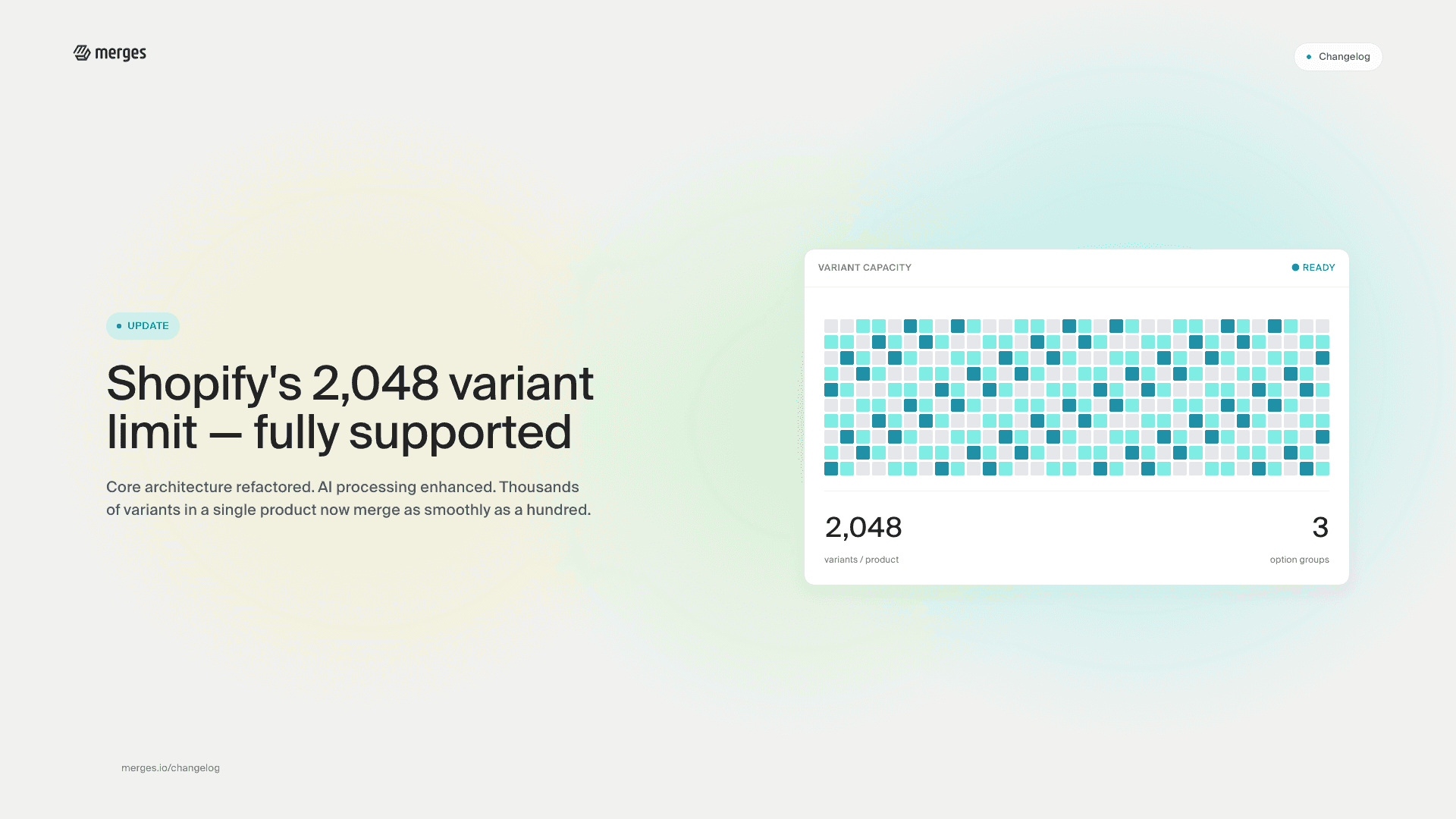
We’re excited to announce that Merges now fully supports Shopify’s expanded product variant limit of 2048. Shopify is currently rolling out this feature to Plus merchants first, with plans to extend it to all Shopify plans in the future. Regardless of when you gain access, Merges is already fully prepared to support your expanded variant needs.

This represents a significant increase from the previous 100 variant limit and opens up new possibilities for merchants with complex product catalogs.

To accommodate this substantial increase in data processing requirements, we’ve completely refactored Merges’ core architecture and enhanced our AI processing capabilities. This ensures that even when working with products containing thousands of variants, Merges maintains its speed and reliability.

Shopify Plus merchants who have opted into the early access program can immediately use Merges without compatibility issues, and all other merchants will benefit as soon as Shopify extends the rollout to their plan level. Our app has been thoroughly tested with the new GraphQL Product APIs to ensure a seamless experience.

If you’re managing complex products with numerous options and variants, this update allows you to structure your catalog exactly as needed without artificial constraints. As always, we’re committed to keeping Merges at the forefront of Shopify’s evolving capabilities.

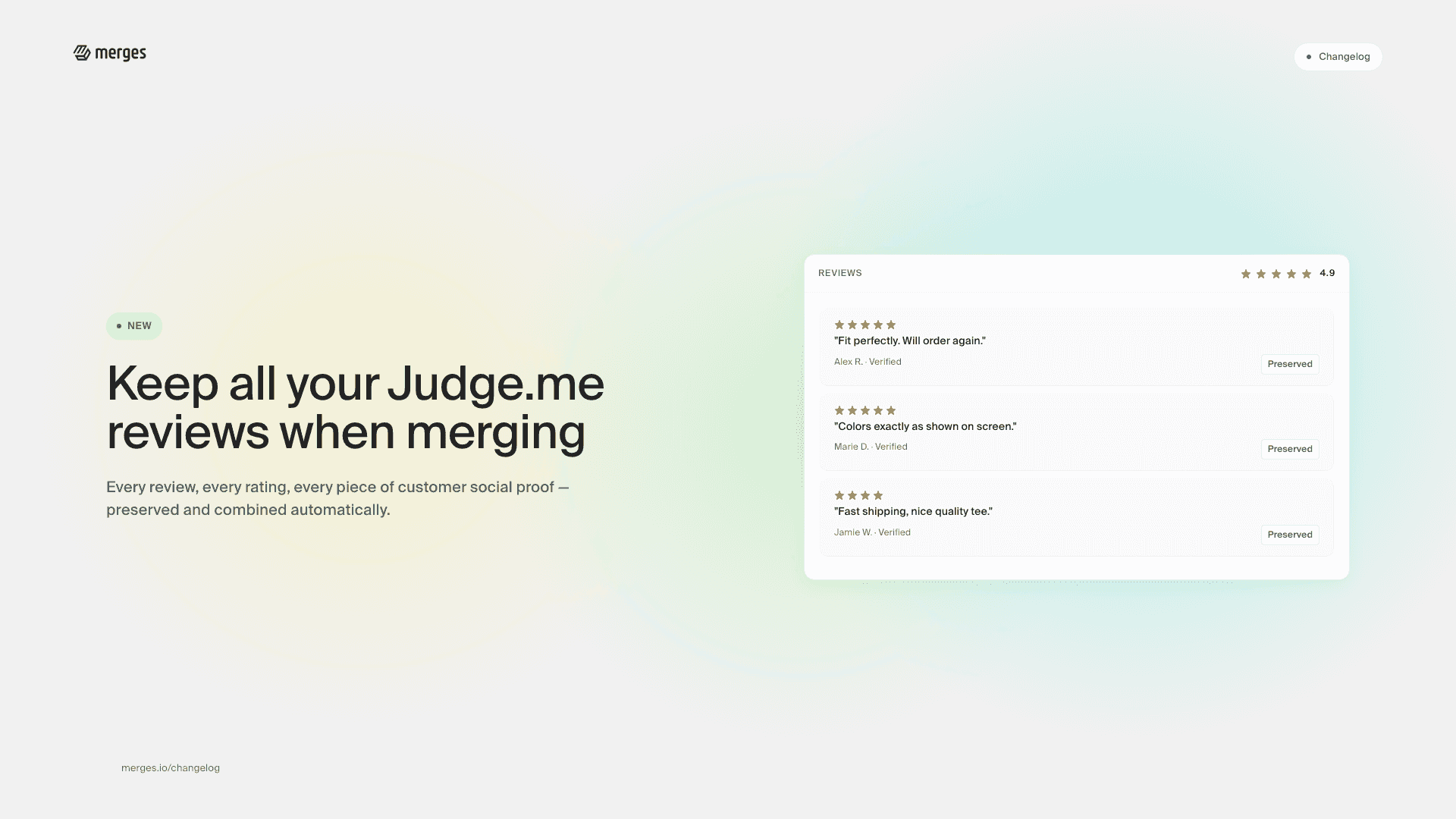
New feature: Keep all your Judge.me reviews when merging

New feature: Keep all your Judge.me reviews when merging

Don’t lose valuable customer feedback! When merging products with Merges, all your Judge.me reviews are now automatically preserved and combined. Your social proof stays intact, ensuring no review gets left behind.

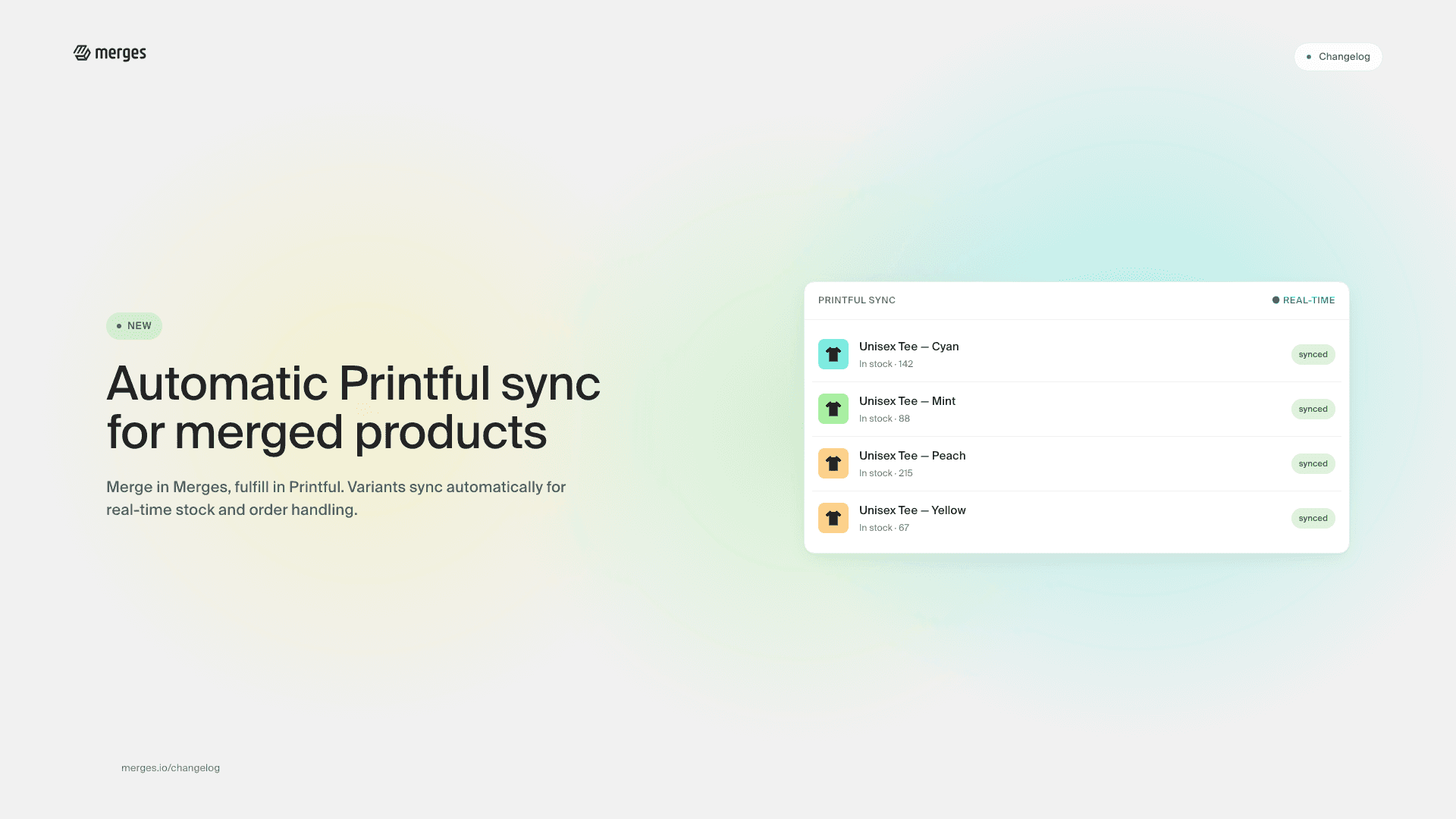
New feature: automatic Printful sync for merged products

New feature: automatic Printful sync for merged products

We’ve added seamless integration with Printful! Now, when you merge products using Merges, your product variants will automatically sync with Printful for real-time stock updates and order fulfillment. Manual syncing is no longer needed for newly merged products—automation will handle it all!

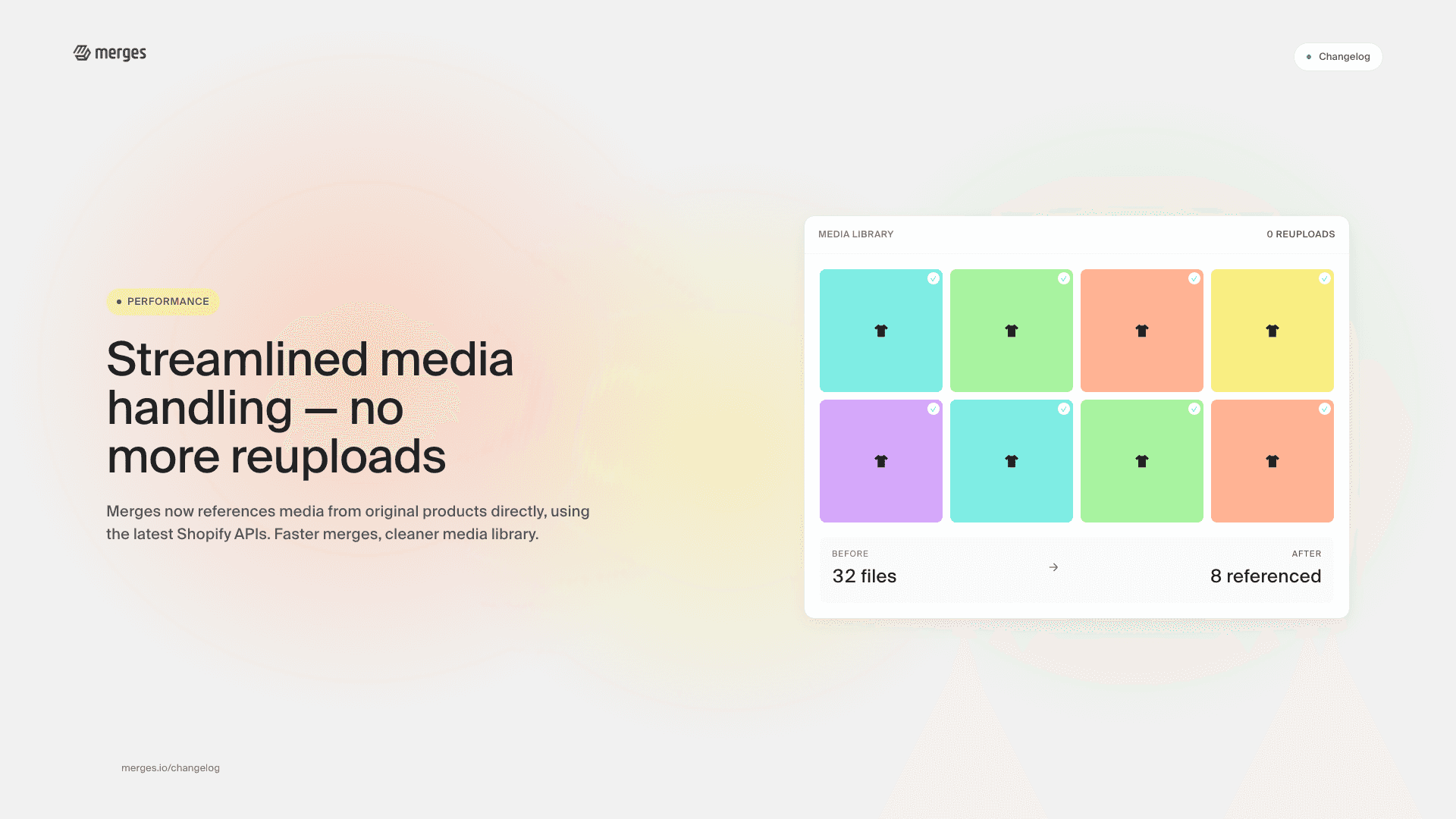
Streamlined media handling: no more reuploads

Streamlined media handling: no more reuploads

Merges now uses media files from original products and variants without reuploading, leveraging the latest Shopify APIs. This enhancement significantly speeds up the merge process, maintains a clean media library, and ensures consistency across images and videos.

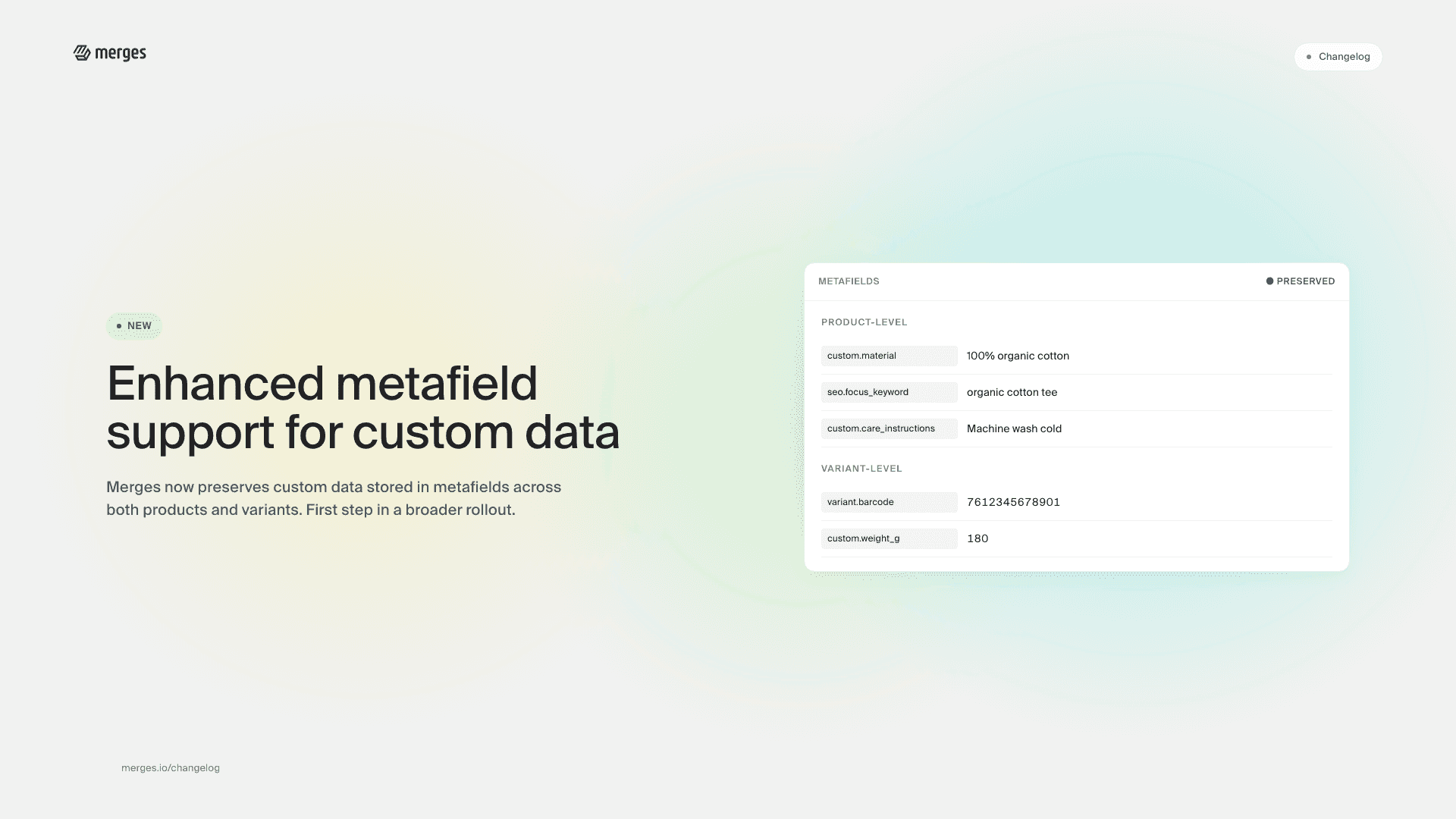
Enhanced metafield support: expanding custom data capabilities

Enhanced metafield support: expanding custom data capabilities

Merges now seamlessly integrates custom data stored in metafields, including those for products and variants. This marks our initial step towards comprehensive metafield support, with more advanced features in development.

Boost your SEO with automatic redirects

Boost your SEO with automatic redirects

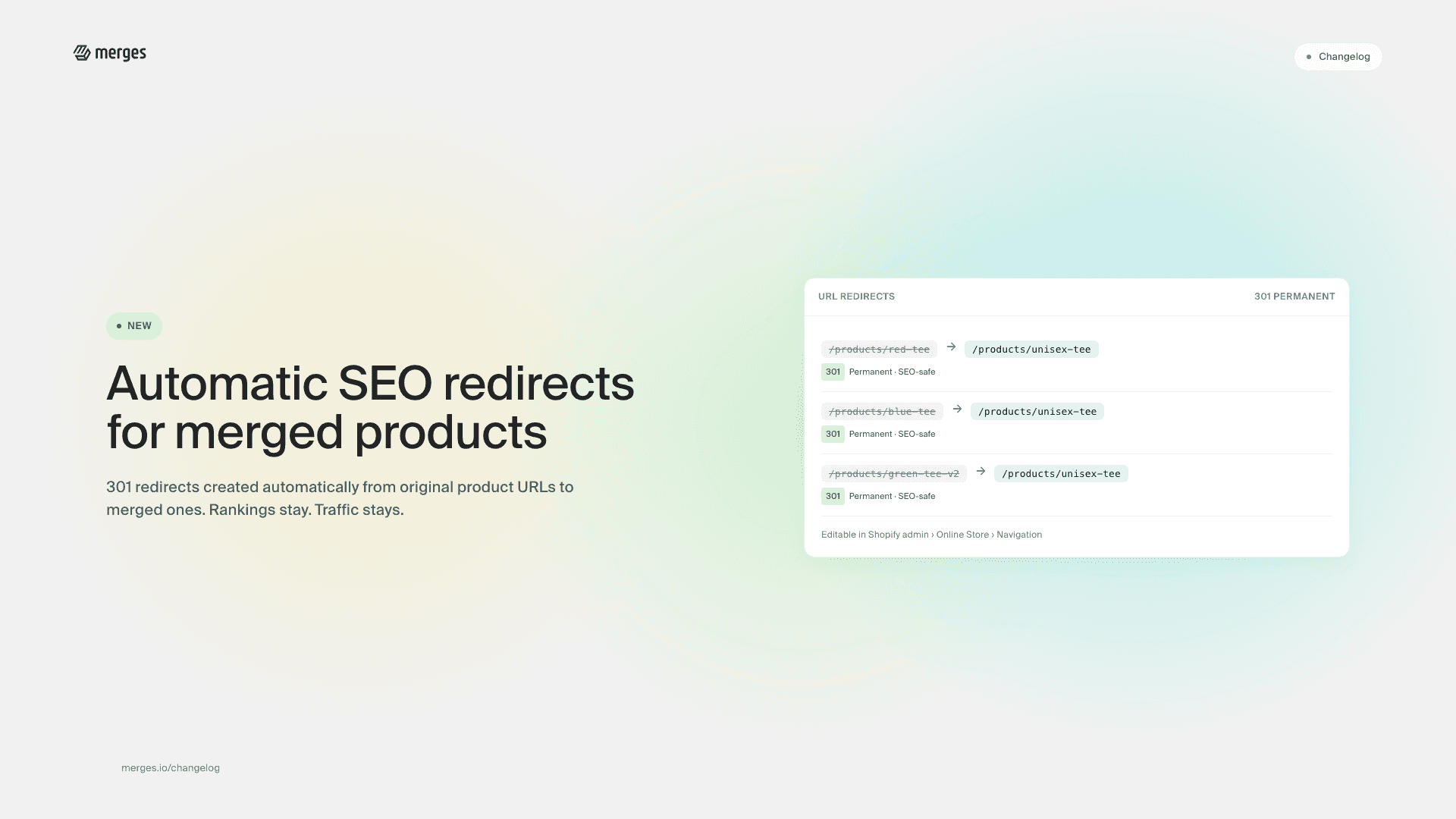
We’re excited to introduce a powerful new feature that automatically creates SEO redirects from your original product URLs to new merged product URLs. This smart functionality helps maintain your search engine rankings after product merges, ensuring a seamless transition for your online presence.

For our valued PRO and UNLIMITED plan subscribers, this feature is now available and ready to use.

Expanded video integration: YouTube, Vimeo, and Shopify support

Expanded video integration: YouTube, Vimeo, and Shopify support

Merges now effortlessly handles videos from multiple sources. Whether your content is hosted on YouTube, Vimeo, or uploaded directly to Shopify, our system ensures smooth integration during the merge process.

AI-powered product variant generator

AI-powered product variant generator

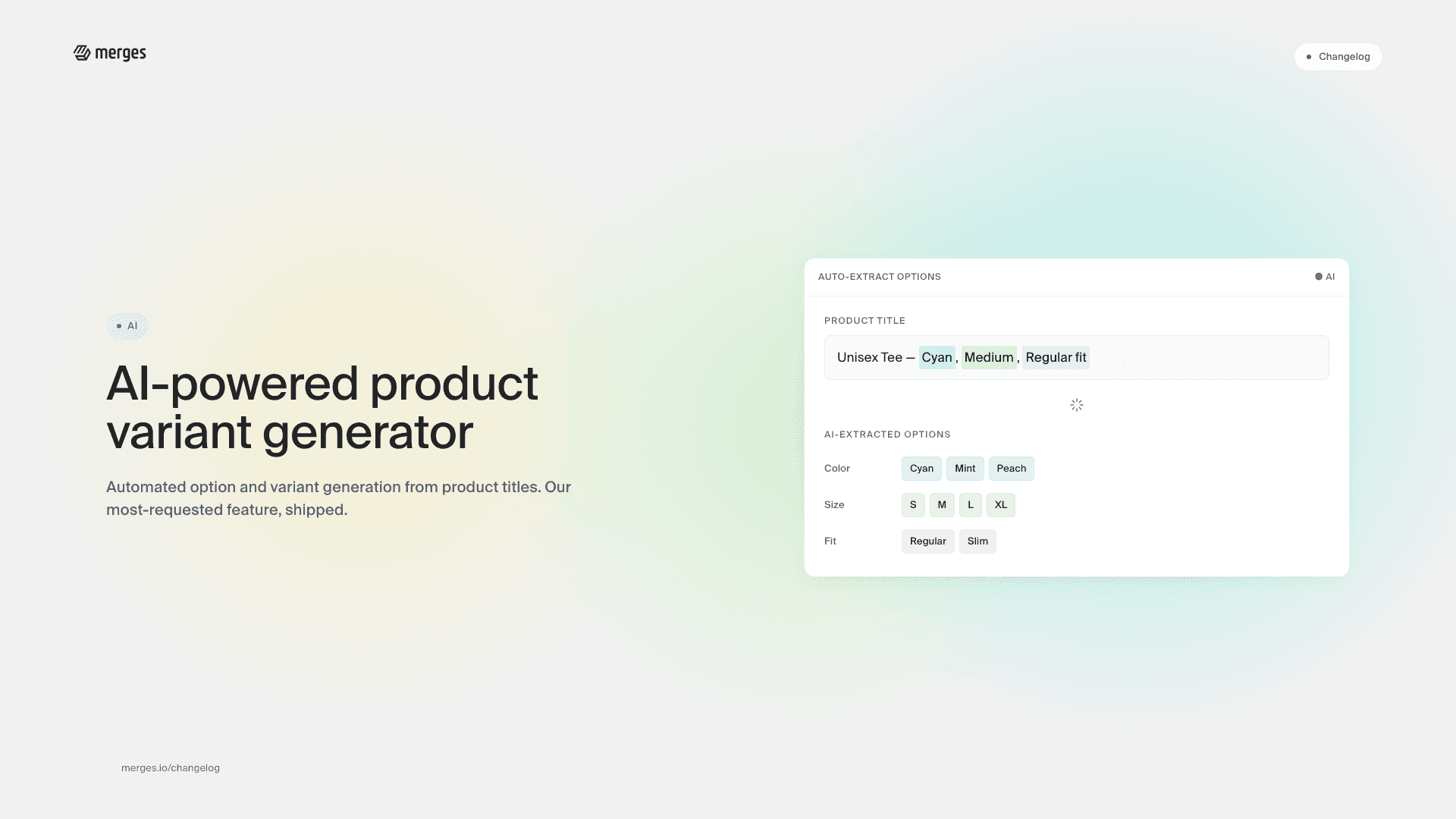
We’re thrilled to announce the official launch of our latest AI-powered feature for July 2024: automated option and variant generation from product titles. This game-changing addition to Merges is now in production and ready to revolutionize how you manage your Shopify store’s product catalog. As one of the most requested features by our merchants, we’re excited to deliver this powerful tool to streamline your workflow.

To see this powerful new feature in action, check out our detailed video demonstration:

Key features

Intelligent option extraction

Our AI analyzes your product titles to automatically identify and create relevant options.

Automated variant creation

Based on the extracted options, the system generates appropriate variants for your products.

Time-saving workflow

Reduce manual data entry and streamline your product setup process.

Customization options

Review and adjust AI-generated options and variants as needed.

This feature works for all Shopify products that don’t have any options and variants yet, and only have the option description in the title of the original products. It’s perfect for merchants looking to quickly expand their product offerings without the tedious manual work.

Whether you’re dealing with a handful of products or a large inventory, our AI-powered option and variant generation feature adapts to your needs.

We’re constantly working to improve Merges and make your Shopify experience smoother and more efficient. As always, we welcome your feedback and suggestions for future enhancements.

Duplicate image detection accelerated by 10x

Duplicate image detection accelerated by 10x

We are excited to announce a major enhancement to our Duplicate Image Detection feature, available exclusively on our Shopify app, Merges. This update is particularly significant for merchants managing large catalogs, as it drastically improves the efficiency of handling product images.

The latest announcement from Shopify introduces groundbreaking changes, enabling merchants to feature up to 2000 variants per product. This significant expansion in product variants can lead to a massive increase in associated product images. In response, we are actively developing robust systems to manage this complexity efficiently. The enhancement of our Duplicate Image Detection is a critical step in our ongoing efforts to optimize and adapt to these new capabilities.

Turbocharged performance

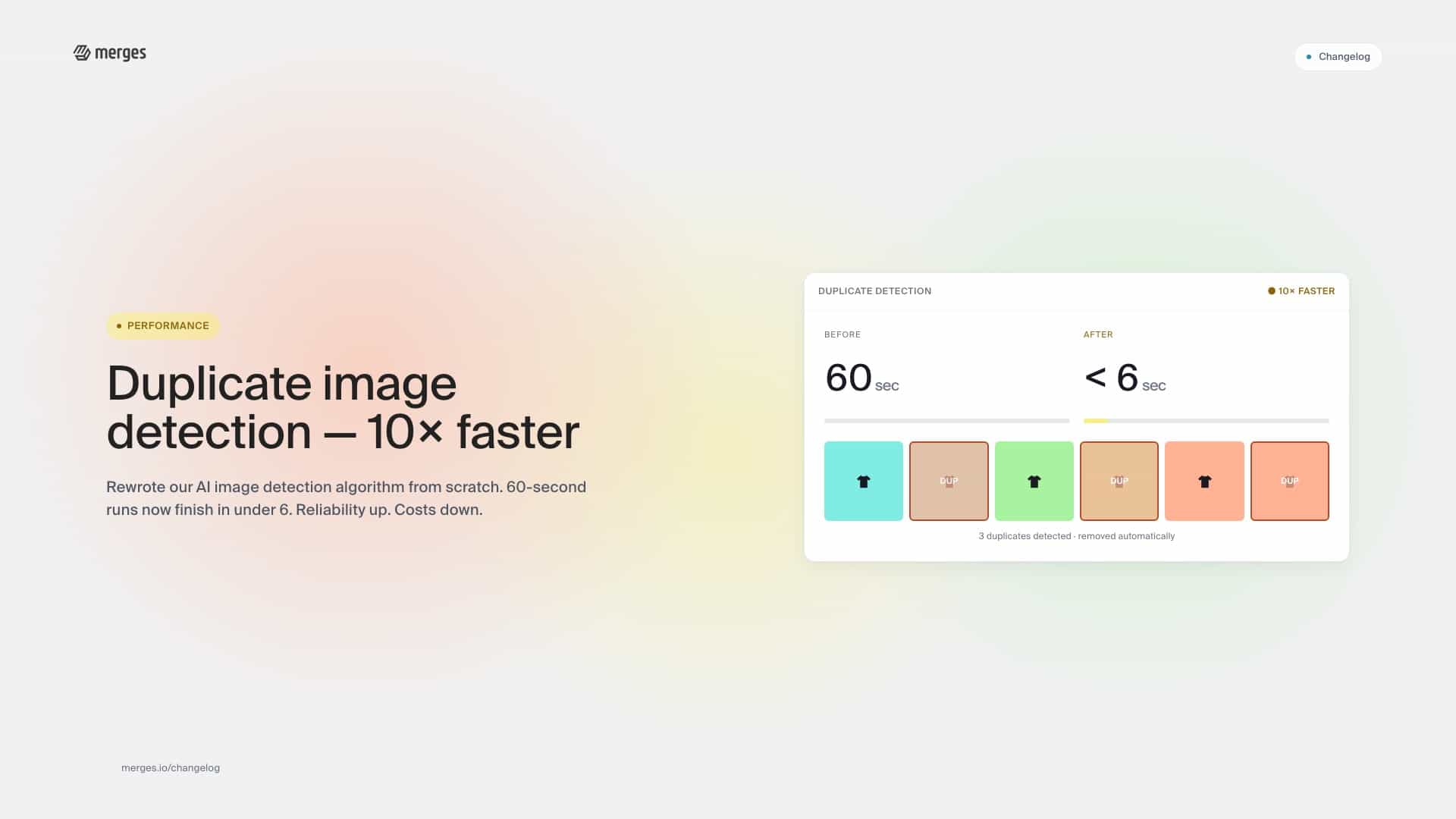
To address this, we’ve extensively rewritten our AI Image Detection algorithm with a sharp focus on reliability and performance. Our efforts have paid off spectacularly, delivering a 10x improvement in processing speed. Tasks that previously took 60 seconds can now be executed in less than 6 seconds, although actual times may vary depending on the number and complexity of images.

Automated and efficient

Merges’ enhanced Duplicate Image Detection feature does more than just identify duplicates—it automatically removes them and ensures each image is uniquely assigned to the appropriate variant. This streamlines your store’s management and enhances the customer experience.

Plan availability

This powerful feature is included in our PRO and UNLIMITED plans, ensuring that our users can manage their product images more effectively and effortlessly than ever.

We are committed to continual improvement and are excited to see how this enhancement helps Shopify merchants optimize their online stores. For more details, visit our support center or get in touch with our help team.

Stay tuned for further updates as we strive to make Merges even better for our users!

UI update: enhanced upload progress visibility

UI update: enhanced upload progress visibility

In our continuous effort to enhance user experience on Merges, we’re rolling out an important update that focuses on making file uploads more transparent and manageable.

What’s new

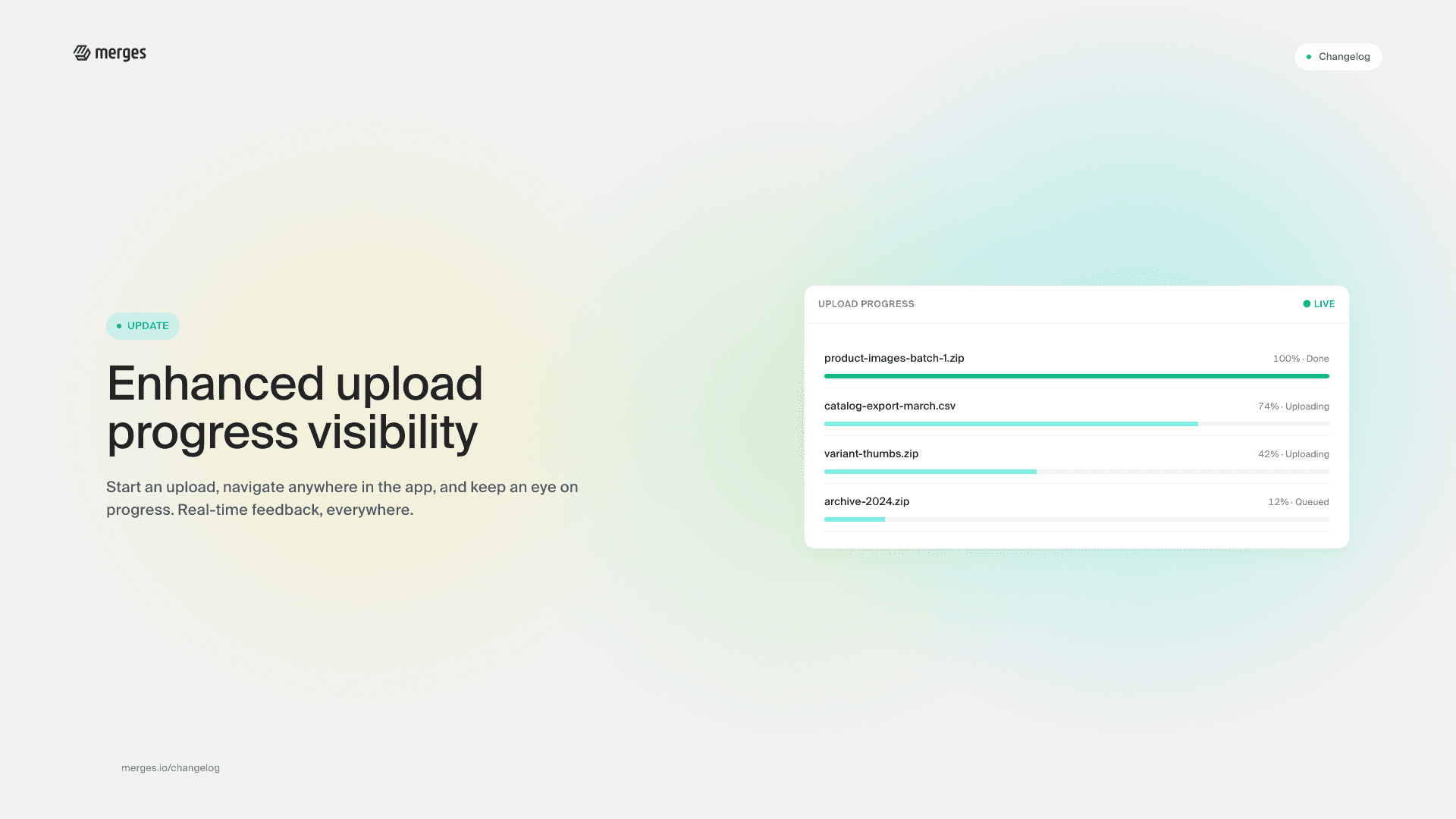
  • Persistent Upload Progress: Have you ever started an upload and wondered what’s happening with it as you navigate away to another part of the app? Wonder no more! With our latest update, Merges now prominently displays the current upload status, no matter where you are in the app. This means you can start an upload, move on to another task, and still keep an eye on how your upload is progressing.
  • Seamless Experience Across Pages: Initiating an upload and then navigating to a different page? Your upload will continue smoothly in the background. We’ve engineered our platform to ensure that your uploads don’t miss a beat - because multitasking should be simple and efficient.
  • Immediate Feedback: Immediate, real-time feedback on your upload’s progress. Our improved UI includes a progress bar and status messages to keep you informed from start to finish.

Why this matters

We understand that time is of the essence, and efficiency is key in your workflow. This update is part of our ongoing commitment to not just meet, but exceed, your expectations for a seamless, intuitive experience on Merges.

Stay tuned for more updates as we continue to innovate and improve. Your feedback is invaluable to us, so please don’t hesitate to share your thoughts and suggestions. Together, we make Merges better.

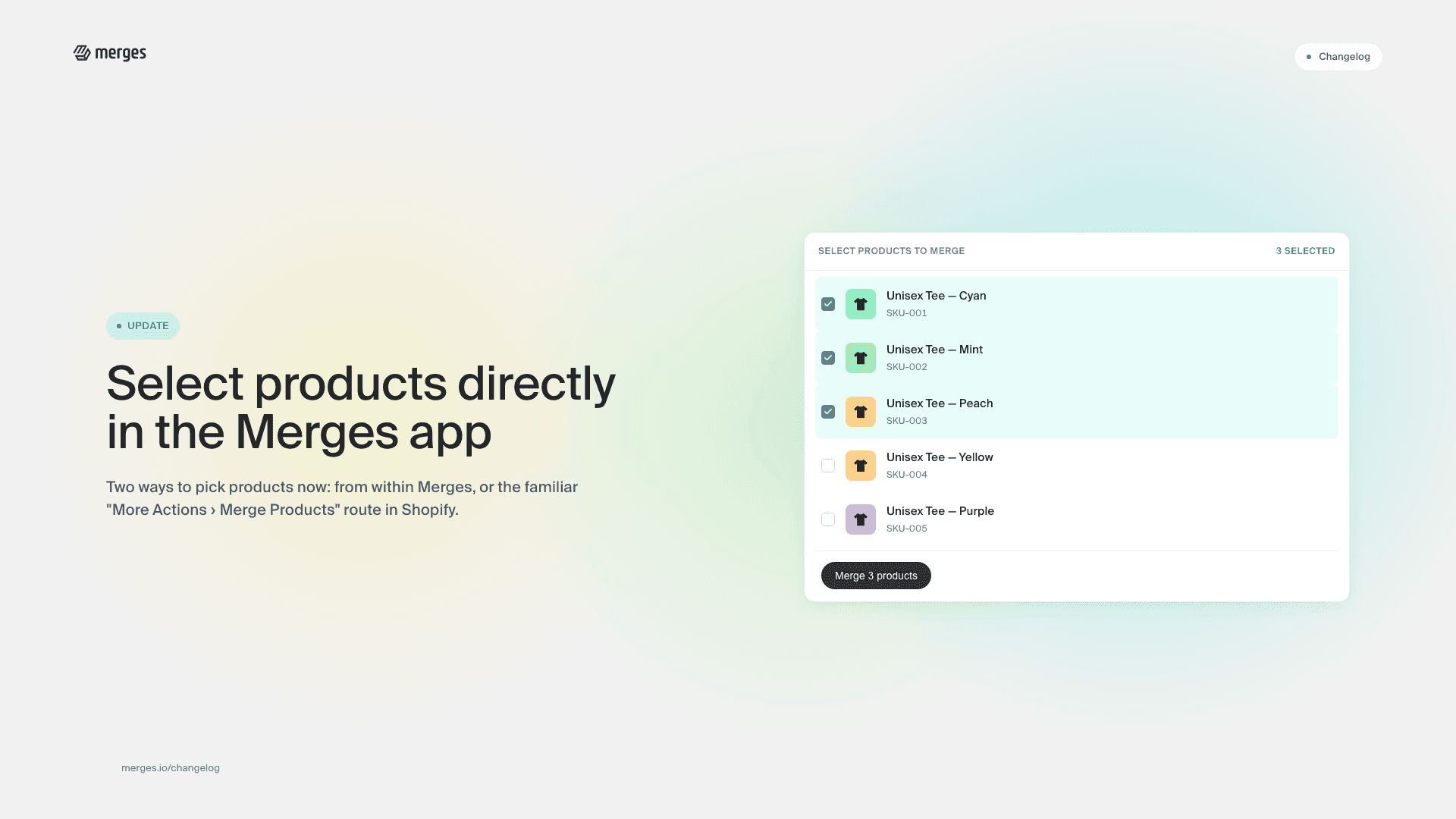
Select your products from within the merges app

Select your products from within the merges app

In our continuous effort to streamline your workflow within the merges app, we’re excited to introduce a new product selector feature! This enhancement allows you greater flexibility in how you manage your products. Now, you have the option to directly select the products you wish to merge from within the merges app, offering a more integrated experience. Alternatively, you can continue with the familiar workflow by selecting products in Shopify’s main products tab and then utilizing the ‘More Actions > Merge Products’ option. This update is designed to make your product management more intuitive and efficient.

Further improvements

  • Optimized Title and Description Generation: For products with extensive previous descriptions, our improved algorithm now generates more concise and relevant titles and descriptions, enhancing the clarity and effectiveness of your product listings.
  • Enhanced Tooltips: We’ve added more tooltips across the app, providing immediate assistance and insights on the most important functions to help you make the most of merges.
  • Mobile Browser Bug Fixes: This update addresses and resolves specific issues affecting the app’s performance on mobile browsers, ensuring a smoother experience on all your devices. Note: The current improvements are tailored for mobile web browsers. Full compatibility with the Shopify native app, especially the rich text editor function, is in progress, and we’re working diligently to extend these enhancements to the Shopify app as well.
  • Duplicate Options Display Bug Fixed: We’ve eliminated a bug that caused options to display duplicates, streamlining the user interface for better clarity and usability.

We’re committed to continuously improving merges to meet your needs and enhance your Shopify experience. As always, we appreciate your feedback and are here to support you in any way we can.

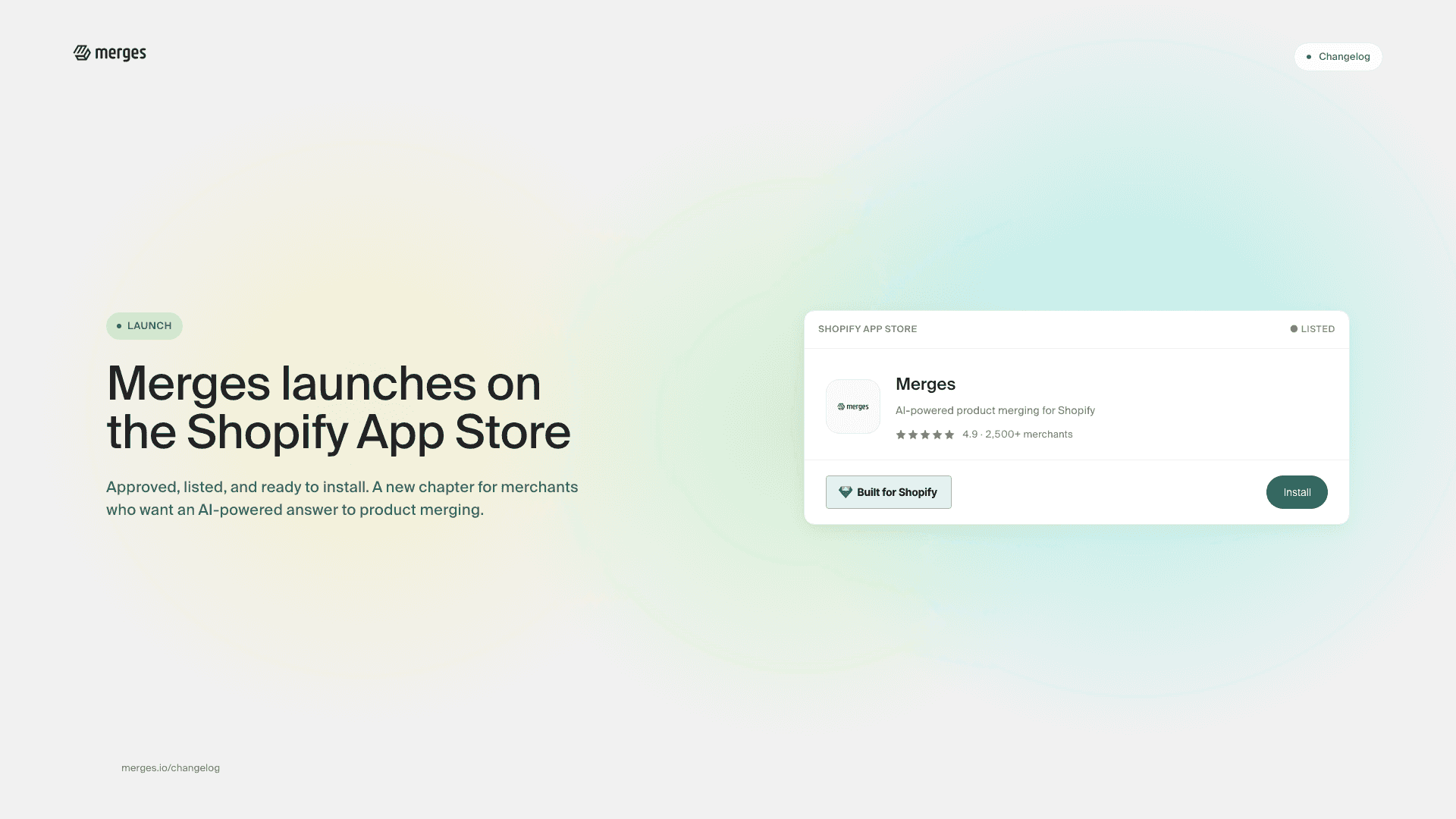
Merges launches on Shopify app store

Merges launches on Shopify app store

We’re thrilled to announce a significant milestone for Merges: our approval and listing on the Shopify App Store! This achievement marks a new chapter for Shopify merchants seeking an AI-powered solution to simplify their product and variant merging processes.

What’s new

  • Shopify Approval: Merges has passed Shopify’s rigorous approval process, ensuring it meets the highest standards of quality and security. Our integration with Shopify provides a seamless, efficient way to manage your store’s products and variants.
  • Direct Access in Shopify App Store: Finding and installing Merges is now easier than ever. Simply visit the Shopify App Store, search for Merges, and integrate it directly into your Shopify admin.
  • Designed for Shopify Merchants: Merges is built to enhance your Shopify experience. Our AI-driven app streamlines your product catalog by intelligently merging products and variants, reducing manual effort, and improving the shopping experience for your customers.

Why it matters

By listing Merges on the Shopify App Store, we’re bringing our advanced AI merging technology directly to the heart of the Shopify community. This integration means:

  • Efficient Management: Reduce clutter and simplify inventory management with our intelligent merging algorithm.
  • Improved SEO and Customer Experience: Our AI generates optimized titles and descriptions for merged products, enhancing visibility and the shopping experience.
  • Time and Cost Savings: Focus on growing your business while Merges takes care of the complexity of product variant management.

Join the revolution in e-commerce management. Discover how Merges can transform your Shopify store today.

Start for free

  • Free trial credits, no card required
Start for free